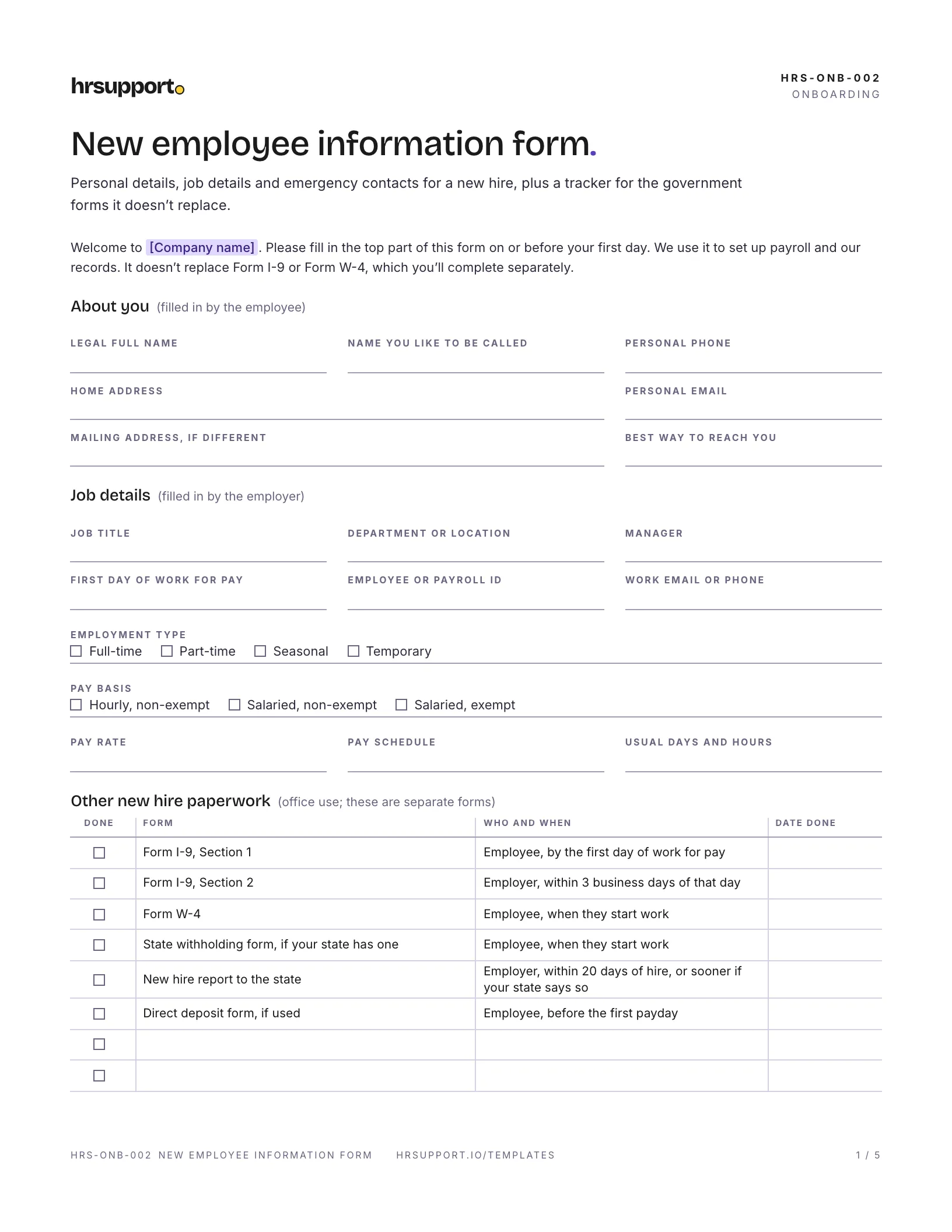
 New Employee Information FormPersonal and job details, emergency contacts and a tracker for I-9, W-4 and state forms.Free
 Word
 PDF
A one-page emergency contact form for every employee, with a yearly update check and a separate, optional sheet for medical details they choose to share.
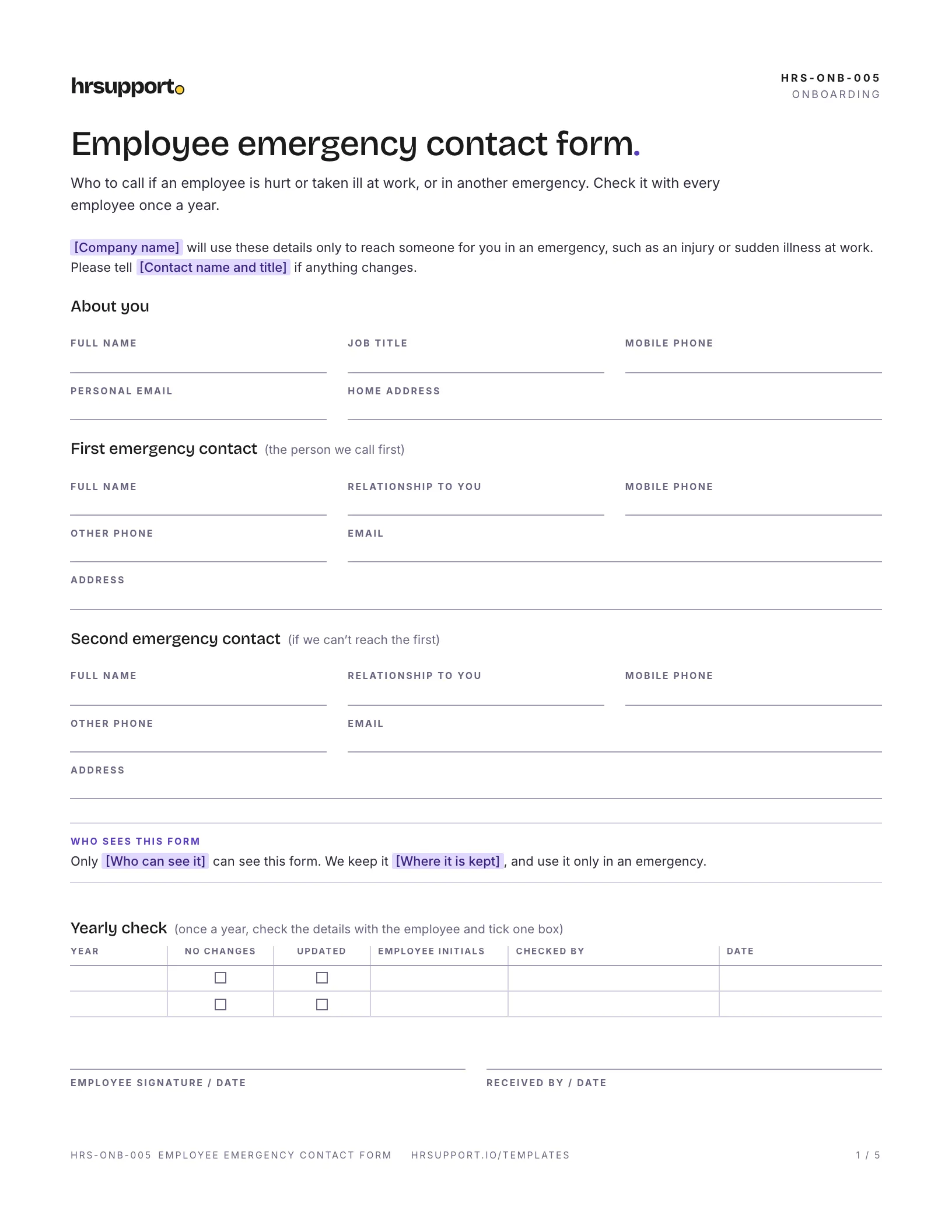
This free employee emergency contact form gives a US small business one page to record who to call if an employee is hurt or taken ill at work. It has room for two emergency contacts, a note on who can see the form, a yearly update check and signatures. A second, separate sheet lets employees share medical details that matter in an emergency, if they choose to, so you can file it apart from the personnel file.
A five-page PDF, sized for US Letter paper, and an editable Word file:
The example is for a veterinary assistant at a fictional animal clinic in North Carolina, filled in during the clinic’s January update. She lists her spouse as her first contact, with a mobile and a work number, and her mother in South Carolina as the second. The practice manager fills in who can see the form (the owner, the practice manager and the employee’s manager) and where it’s kept. On the optional medical sheet, the assistant shares a severe allergy to bee and wasp stings and where her epinephrine auto-injectors are kept, chooses not to share any conditions, and gives her doctor’s name and number. The practice manager files that sheet in the medical file.
Print the PDF to fill in by hand, or edit the Word file to add your company name and pre-fill job titles. The printable emergency contact form works for every employee, whether they started last week or ten years ago. For new hires, our new employee information form already includes emergency contacts alongside payroll and job details, and the new hire checklist reminds you to collect them on day one. Use this standalone form for the yearly update, or to get everyone’s contacts on file at once.
If you have 15 or more employees, the ADA and GINA apply, and the EEOC says any medical or genetic information you legally obtain must be kept confidential, with very limited exceptions, and in a separate medical file (EEOC). The ADA regulation says medical information about an employee must be collected and kept on separate forms and in separate medical files. It allows first aid and safety personnel to be told, when appropriate, if a disability might require emergency treatment (29 CFR 1630.14).
The EEOC treats medical information an employee volunteers as a confidential medical record too, and gives asking about prescription drugs as an example of a disability-related inquiry (EEOC). That’s why the medical sheet is separate and clearly voluntary. The EEOC also says you may ask employees whether they’ll need help in an emergency, as long as you make clear that answering is voluntary and explain why you’re asking (EEOC).
GINA bars covered employers from requesting genetic information, which includes family medical history (EEOC). The medical sheet carries the notice from the GINA regulation asking employees not to give genetic information (29 CFR 1635.8). Leave the notice in when you edit the form.
Keep the circle small: the owner, whoever runs the office, and the employee’s manager. Store page 1 in a locked cabinet or a system with restricted access, where someone can reach it quickly during working hours. Keep completed medical sheets in a separate, locked medical file. When someone leaves, keep the form with their other records under your usual record-keeping rules.
Not sure what you can ask employees about their health? That’s what hrsupport.io is for: HR answers for your state, with the law behind every answer.
Ready to use it? It’s free, and comes with a filled-in example.
Template questions
The employee's name, job title, phone, email and home address, and at least one emergency contact with their name, relationship, phone numbers, email and address. A second contact helps when the first can't be reached. Add who can see the form, a yearly update check and a signature. Any medical details should go on a separate, optional sheet, kept apart from the personnel file.
Once a year is a good routine, plus whenever something changes, such as a move, a new phone number, a marriage or a breakup. Pick a fixed month, such as January, and ask everyone at once. The yearly check on this form lets each employee tick no changes or updated, initial it and date it, so you can see at a glance who is up to date.
Only on a voluntary basis, and keep it separate. The EEOC counts questions such as whether someone takes prescription drugs as disability-related inquiries, and says medical information, even if volunteered, must be kept confidential. The ADA regulation calls for medical information about employees to be collected on separate forms and kept in separate medical files. That's why the medical part of this template is a separate, optional sheet. The EEOC also says you may ask, voluntarily, whether someone will need help in an emergency.
Only the people who would act in an emergency and the people who keep your records, such as the owner, the office manager and the employee's manager. Write their roles on the form, so employees know. Keep page 1 in a locked cabinet or a restricted system. A completed medical sheet goes in a separate medical file; first aid and safety staff may be told, when appropriate, if a condition might need emergency treatment.
Not on this form. If GINA covers you (15 or more employees), it bars employers from requesting genetic information, which includes family medical history, apart from a few narrow exceptions. Page 2 of this form carries the notice from the GINA regulation asking employees not to give genetic information. If someone writes it anyway, keep it in the confidential medical file. The EEOC says an employer may never use genetic information to make an employment decision.
Our new employee information form collects a new hire's personal details, job details and emergency contacts on their first day. This emergency contact form is for the yearly update, or for getting every employee's contacts on file at once, including people hired before you had a form. It also adds a separate, optional sheet for medical details that matter in an emergency.
Free HR templates
New Employee Information FormPersonal and job details, emergency contacts and a tracker for I-9, W-4 and state forms.FreeWordPDF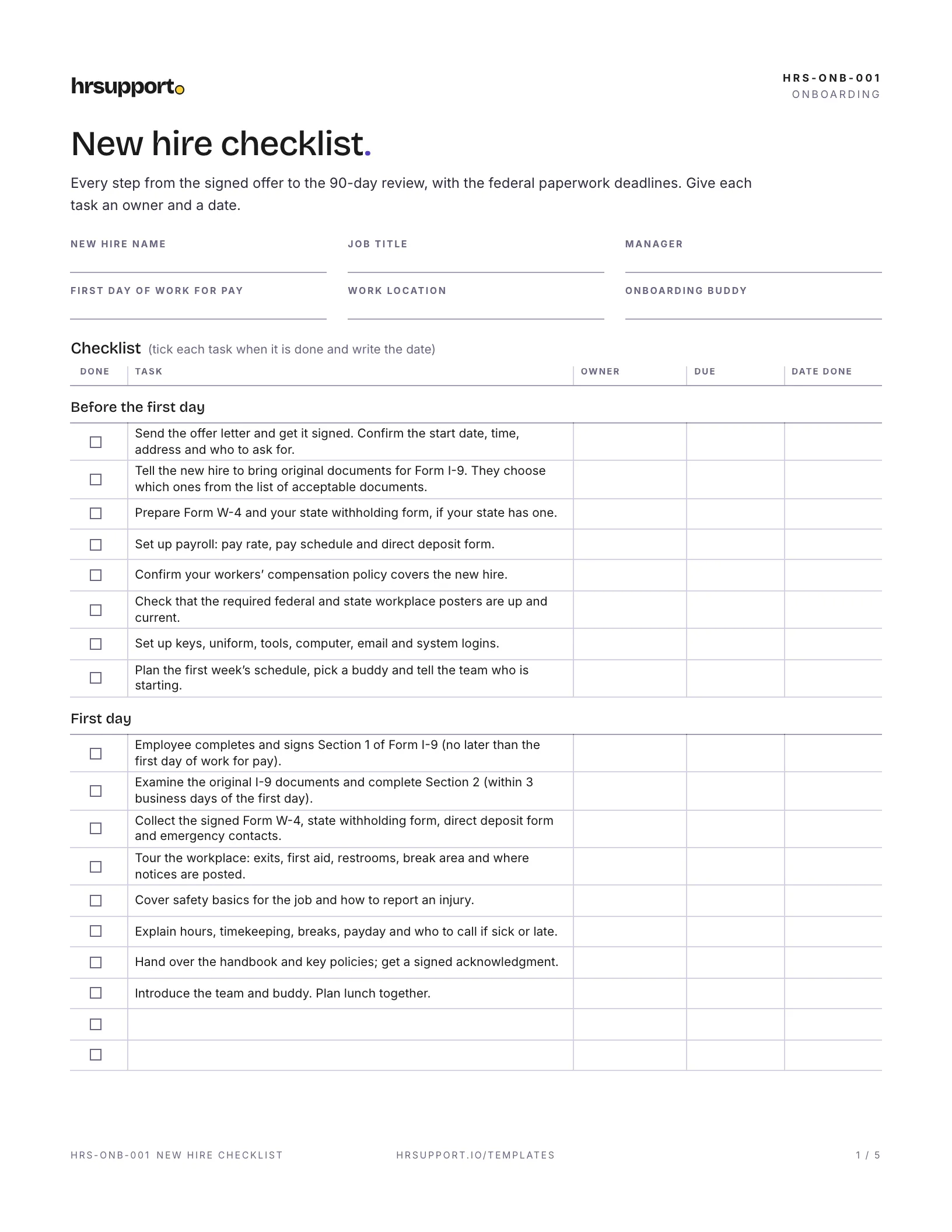 New Hire ChecklistBefore day one to the 90-day review, with the I-9, W-4 and state reporting deadlines.FreeWordPDF
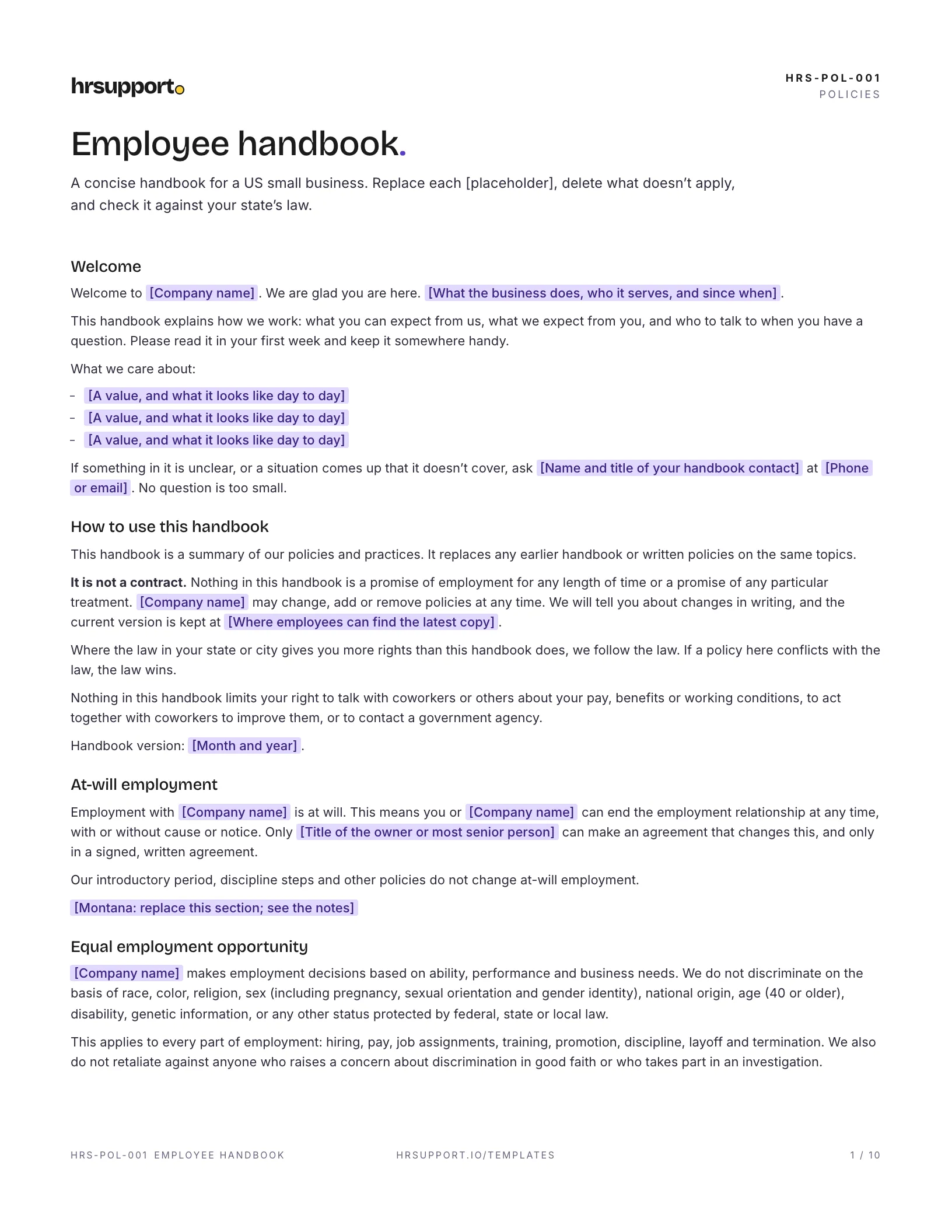 Employee Handbook TemplateTwenty-nine short policies and an acknowledgment page, ready to fill in.FreeWordPDF
Join the waitlist for early access and early-access pricing. It takes ten seconds.