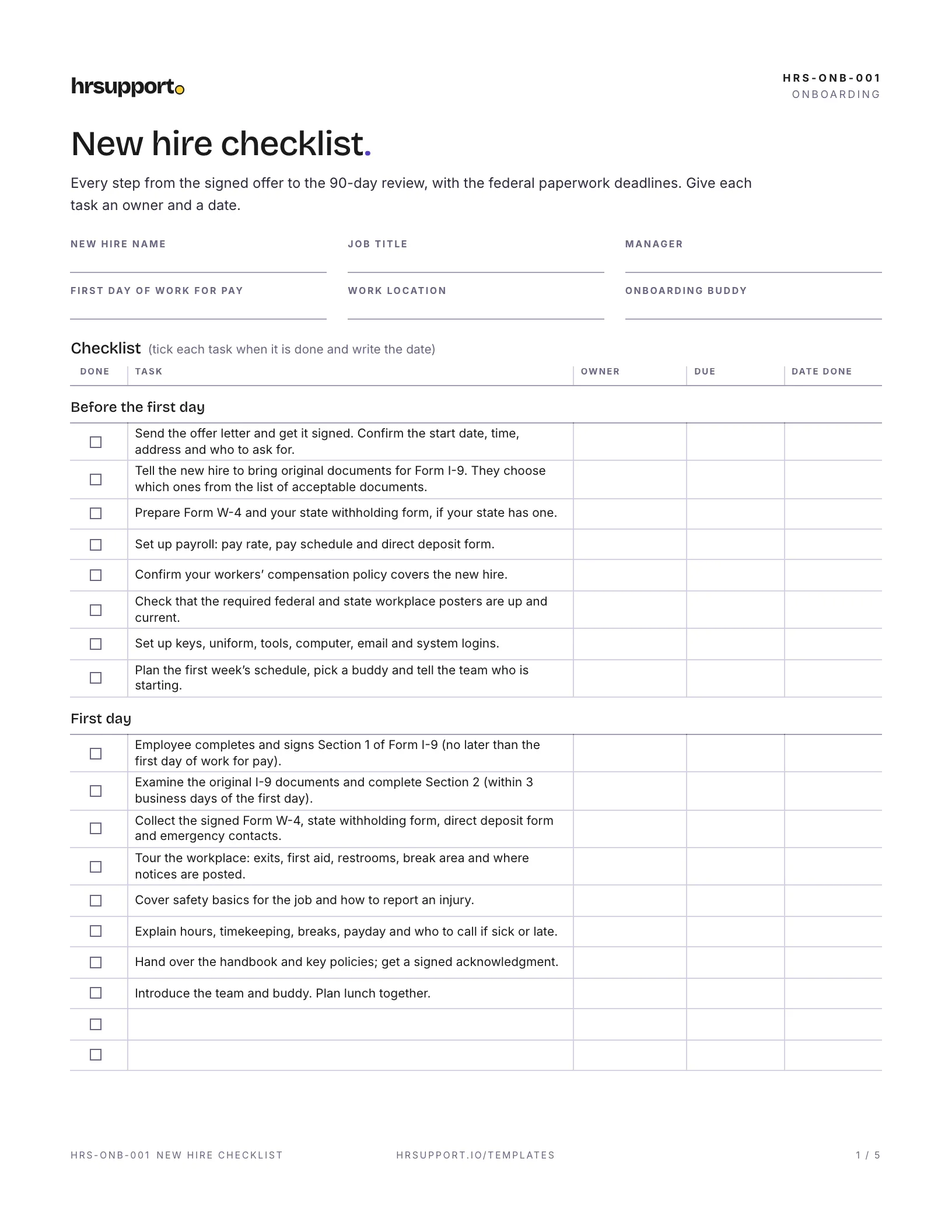
 New Hire ChecklistBefore day one to the 90-day review, with the I-9, W-4 and state reporting deadlines.Free
 Word
Word PDF
PDFCollect a new hire's contact details, job details and emergency contacts on one form, and track the government forms it doesn't replace.
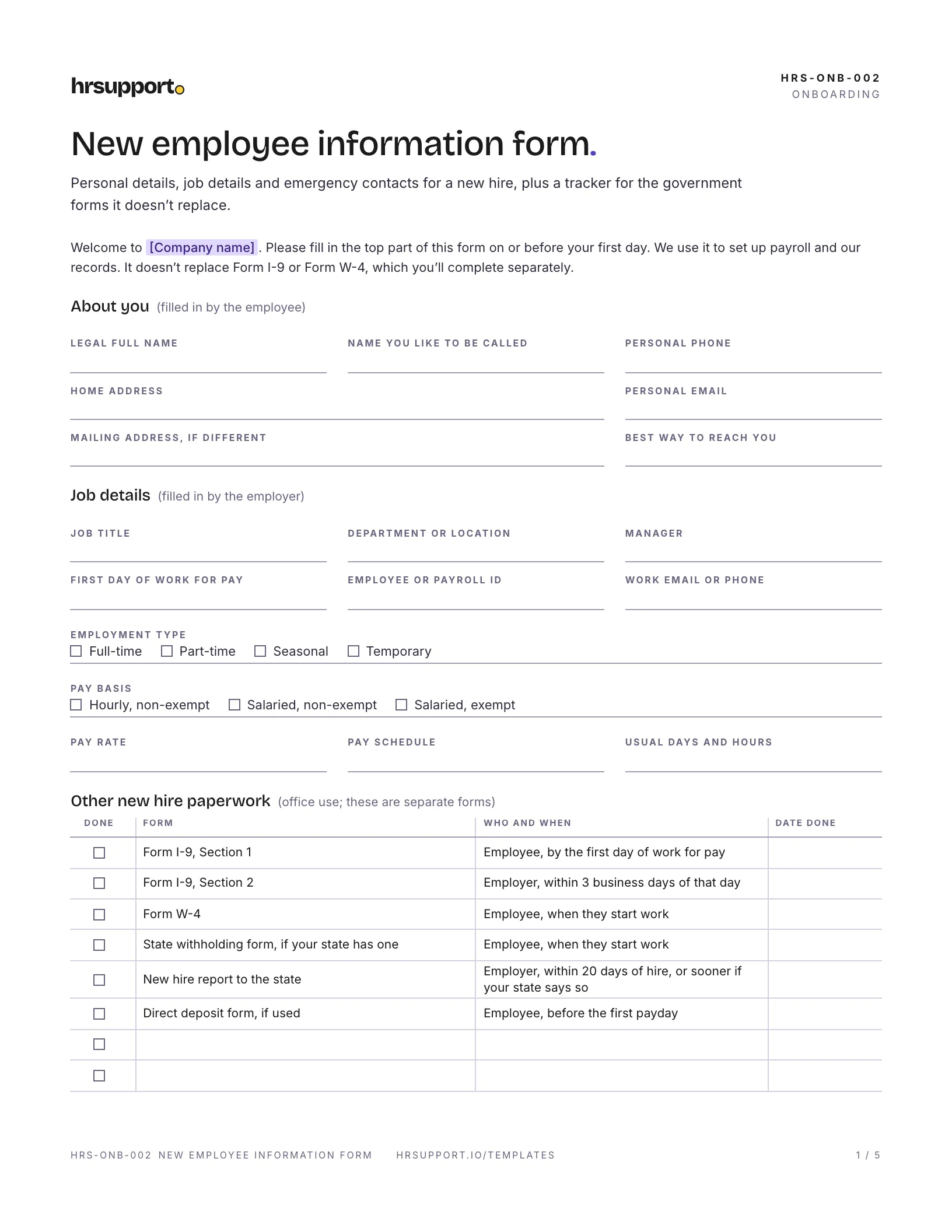
This free new employee information form gives a US small business one place to record a new hire’s personal details, job details and emergency contacts. It’s an employee information form and an emergency contact form in one, with a tracker for the government forms it doesn’t replace. It also keeps out the things that don’t belong on it, like health details and Social Security numbers.
A five-page PDF, sized for US Letter paper, and an editable Word file:
Page one has the employee’s details, the job details you fill in (title, manager, first day, employment type, pay basis, rate and schedule) and a tracker for Form I-9, Form W-4, state withholding, the new hire report and direct deposit. Page two covers emergency contacts, a reminder about health details, the keys and equipment you hand over, set-up notes, and signatures.
The example in the download is for a lube and tire technician starting on a Monday at a fictional auto repair shop in Ohio. The employee gives his address and contact details and lists his sister and a friend as emergency contacts. The service manager fills in the hourly, non-exempt pay basis and the schedule. The tracker shows the I-9, W-4 and state forms done on the first day and the new hire report sent that week. A key, uniforms and a time clock login are logged as issued, and his set-up notes mention a dentist appointment he’d already booked.
People often search for “new employee forms” expecting one document. In practice there are several, and the government ones come from the agencies:
Page two works on its own as an employee emergency contact form. Print it for your current staff too, so everyone’s file has the same details. Keep it short: a name, the relationship and two ways to reach each contact. Make it optional, say how you’ll use it, and keep it where only managers who need it can see it. Ask everyone to update it once a year.
If you have 15 or more employees, the EEOC says any medical information you legally obtain about an employee must be kept confidential and in a separate medical file (EEOC). Once someone is employed, disability-related questions must be job-related and consistent with business necessity (29 CFR 1630.14). That’s why the form has no questions about health, allergies or medications. If an employee volunteers something, file it separately.
Get advice before you onboard someone in a state where you haven’t hired before, or a remote employee who lives in another state. The new hire report goes to the state where the person works, and state withholding forms and posters differ, so the forms you’re used to may not apply.
Not sure which new hire forms your state requires? That’s what hrsupport.io is for: HR answers for your state, with the law behind every answer.
Ready to use it? It’s free, and comes with a filled-in example.
Template questions
The employee's legal name, preferred name, address, phone and email, and how they like to be contacted. The employer adds the job title, manager, first day of work for pay, pay basis, rate and schedule. Most forms also collect emergency contacts. Leave out health details, and leave the Social Security number to Form W-4, which already asks for it.
At the federal level, Section 1 of Form I-9 (by their first day of work for pay) and Form W-4 for income tax withholding. Some states have their own withholding form, for example California's DE 4. Most employers add an information form like this one, a direct deposit form and a handbook acknowledgment. You complete Section 2 of the I-9 and report the hire to your state.
It includes one. Page two is an employee emergency contact form with room for two contacts, their relationship to the employee, and two ways to reach each. If you only need emergency contacts, for example to update records for your current staff, you can print page two on its own.
This form makes it optional, and says the details are used only in an emergency and kept confidential. Most people are glad to give one. If someone would rather not, note it and move on. Ask everyone to check their contacts once a year, because phone numbers and relationships change.
You don't need to. Form W-4 already collects the Social Security number, along with the other details federal law requires for your state new hire report. Keeping it off this form means one less place to protect it. Store the W-4 and the I-9 securely, with access limited to the people who run payroll.
It's best not to. If the ADA covers you (15 or more employees), once someone works for you it allows disability-related questions only when they are job-related and consistent with business necessity, and any medical information you do have must be kept confidential in a separate file. The form invites the employee to tell a named manager if they want first aid staff to know about a condition.
Free HR templates
New Hire ChecklistBefore day one to the 90-day review, with the I-9, W-4 and state reporting deadlines.FreeWordPDF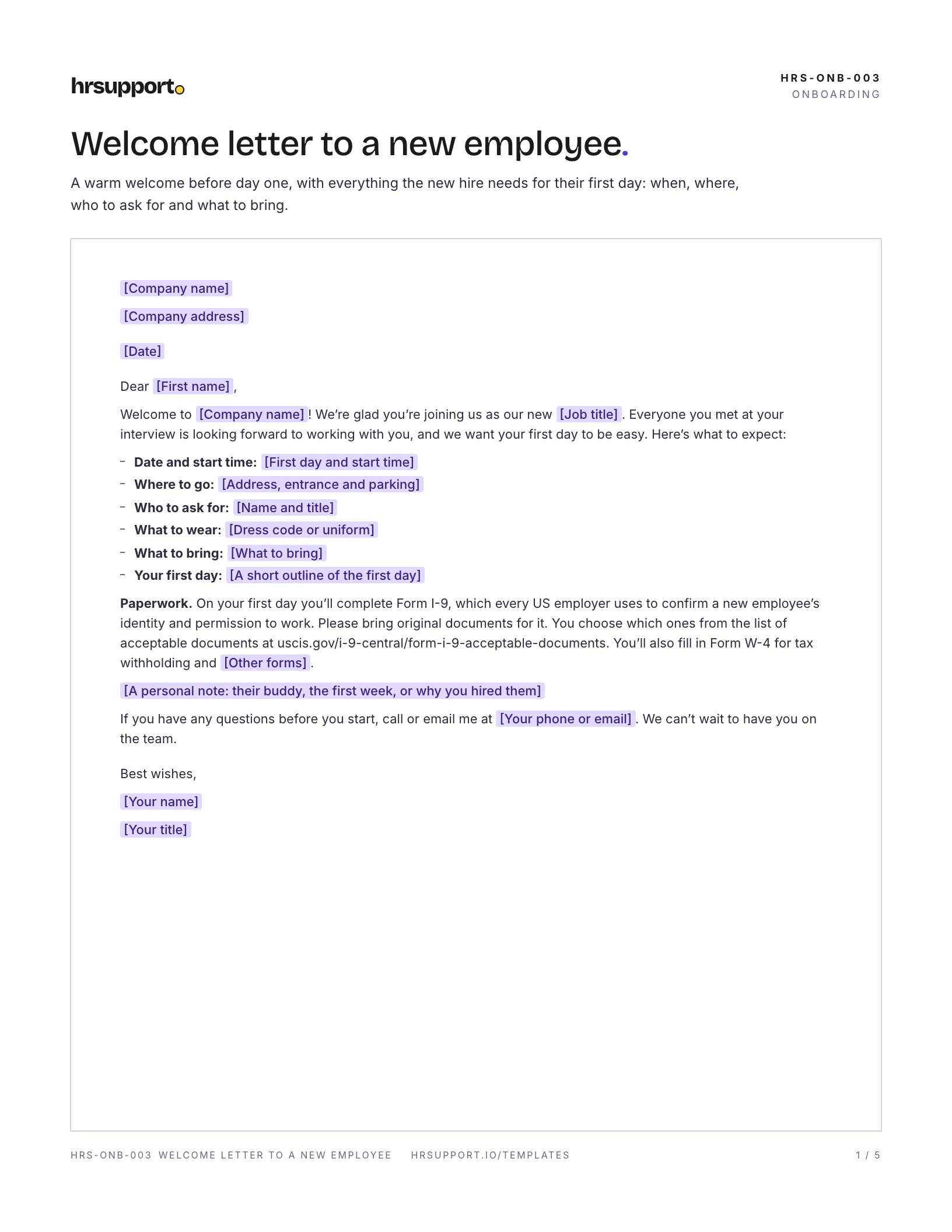 Welcome Letter to New EmployeeFirst-day time, place, contact and what to bring, as a letter and an email.FreeWordPDF
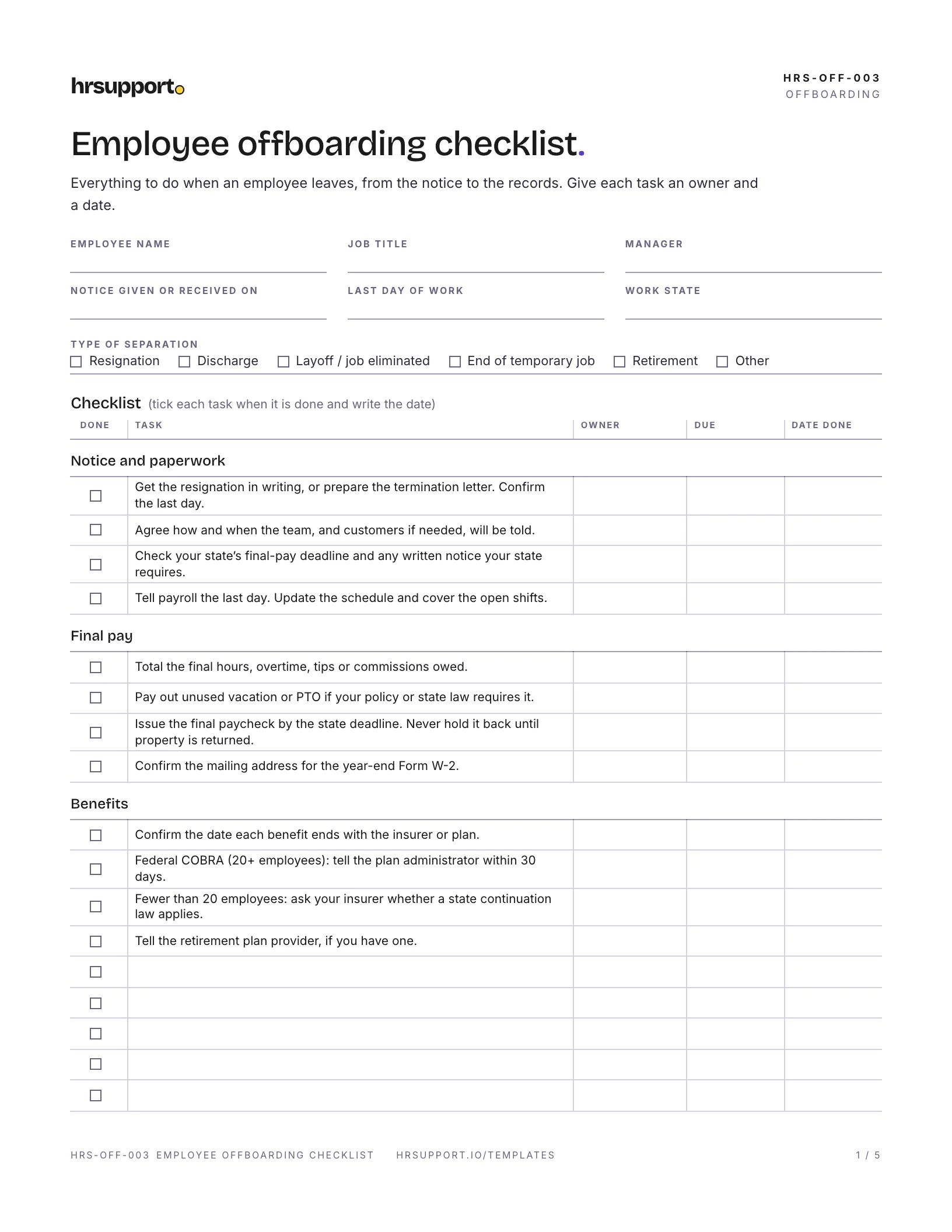 Offboarding ChecklistNotice to records, with final pay, COBRA, access removal and I-9 retention.FreeWordPDF
Join the waitlist for early access and early-access pricing. It takes ten seconds.