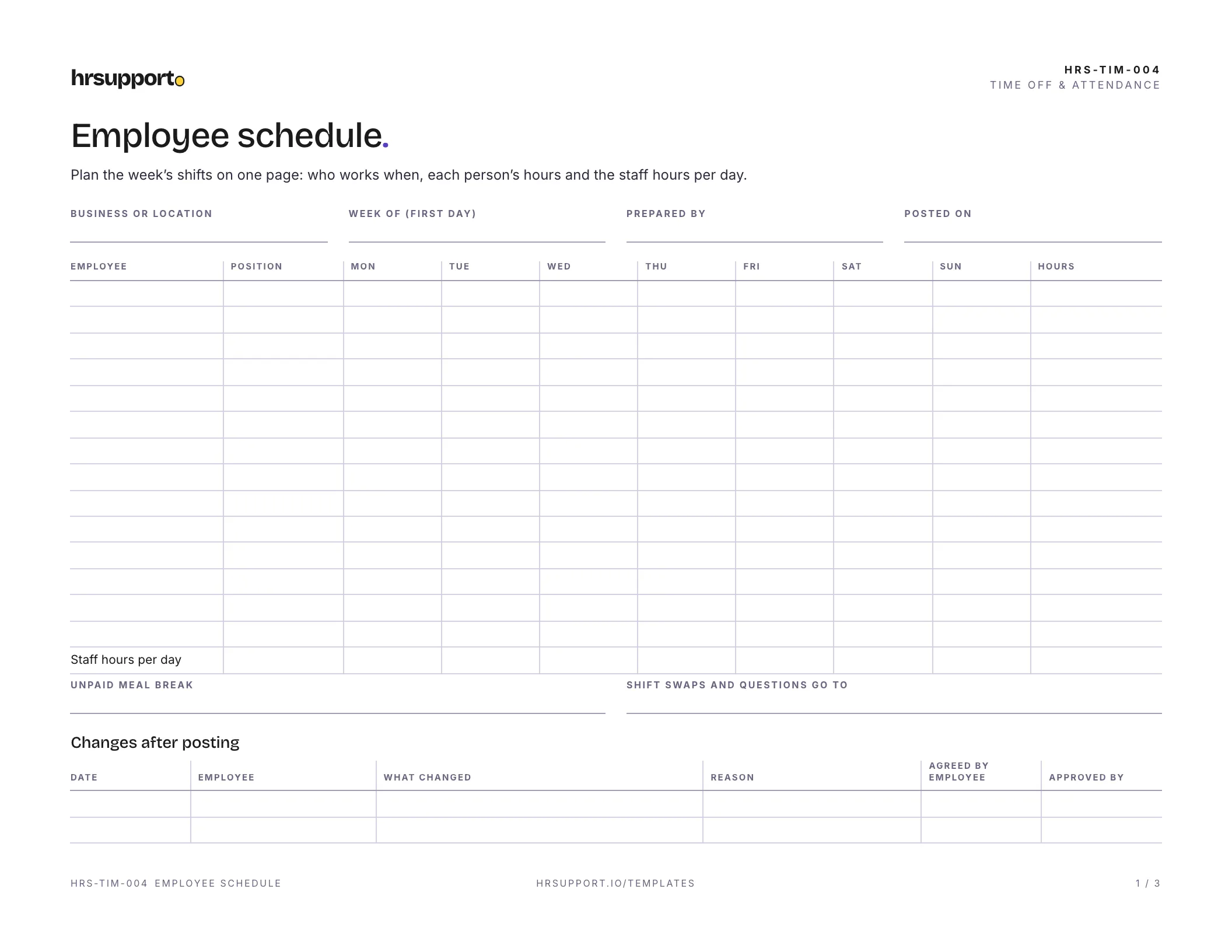
 Employee Schedule TemplateA weekly shift grid in Excel with hours, overtime flag and daily totals.Free
 Excel
Excel PDF
PDFA one-page form for employees to tell you the days and hours they can work, so you can build a schedule that fits. Update it whenever their availability changes.
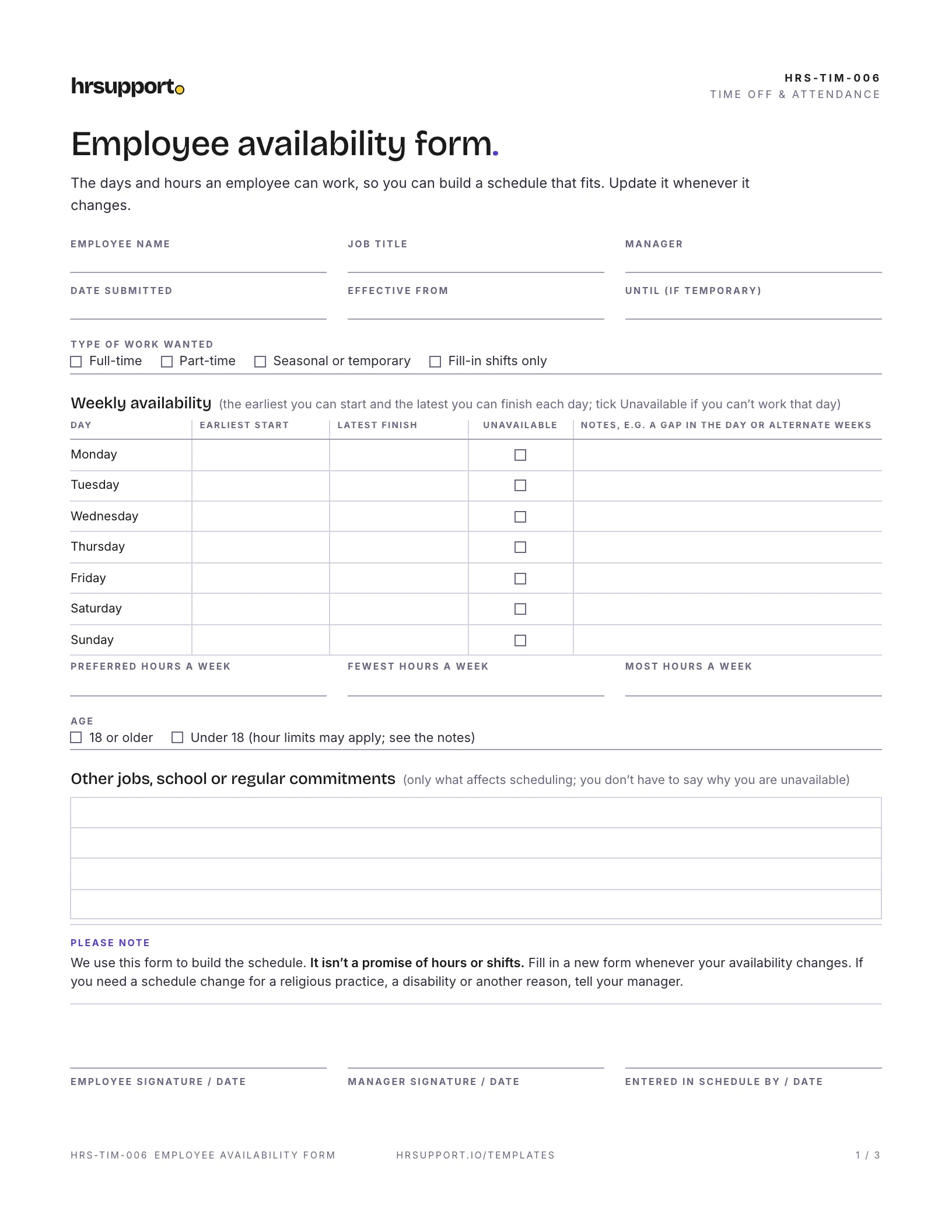
An employee availability form records the days and hours an employee can work, so you can build a schedule that fits both the business and the people in it. This free availability form fits on one page: a day-by-day grid of earliest start and latest finish times, the hours a week the employee wants, and space for school, a second job or other commitments. The employee fills it in and signs, you sign it off, and the schedule gets built from facts instead of guesses.
A three-page PDF and a Word file you can edit, sized for US Letter paper:
The Word file has the form and the notes, so you can add your company name or change the day grid to match your opening hours.
The example is from a fictional bakery cafe. A part-time counter associate who is a full-time student fills in her availability for the fall semester, from Monday, August 31 to Friday, December 18. On class days she can work mornings before an 11:00 a.m. class or afternoons after a morning class. She can work all day Friday and Saturday, and not at all on Sunday. She would like 20 hours a week, with 15 as the fewest and 24 as the most, and she offers extra hours over Thanksgiving week. The store manager signs it the next day and enters it in the schedule.
If you hire workers under 18, the availability form is a good place to catch hour limits before they become a problem. Under federal rules, 14 and 15 year olds may work no more than 3 hours on a school day, 8 hours on a non-school day, 18 hours in a school week and 40 hours in a non-school week. They may work only between 7 a.m. and 7 p.m., or until 9 p.m. from June 1 to Labor Day (DOL Fact Sheet #43). Federal rules don’t limit hours for 16 and 17 year olds, but many states do, and when both apply you follow the stricter rule. A teen’s availability can be wider than the law allows, so check the schedule against the limits, not just the form.
A few states and cities have predictable scheduling (or “fair workweek”) laws for large employers in some industries. For example, Oregon’s law covers retail, hospitality and food service employers with at least 500 employees worldwide. They must post schedules 14 days ahead, and employees may identify limits on their availability (Oregon BOLI). Seattle’s Secure Scheduling Ordinance covers large retail and food service employers in a similar way (Seattle Office of Labor Standards). Most independent small businesses fall below these thresholds, but check the rules for your state and city.
An employee may be unavailable for a religious practice, such as a day of worship. If you have 15 or more employees, Title VII requires you to reasonably accommodate religious beliefs and practices unless it would cause undue hardship. The EEOC lists flexible scheduling and voluntary shift swaps as common accommodations (EEOC). The form doesn’t ask employees why they’re unavailable, and you don’t need to know. If someone asks for a change for a religious, medical or family reason, talk it through and get advice before you say no.
Availability is the standing pattern of when someone can work. A one-off day away is a different thing: use a time off request form for that. If someone often misses shifts they said they could work, your attendance policy is the place to set expectations.
Not sure which scheduling rules apply where you are? hrsupport.io answers HR questions for your state, with the law behind every answer.
Ready to use it? It’s free, and comes with a filled-in example.
Template questions
A form where an employee writes down the days and hours they can work. It usually covers the earliest start and latest finish for each day, days they can't work at all, how many hours a week they want, and other commitments such as school or a second job. Managers use it to build schedules that people can actually work.
In most places, availability is information, not a contract, and you can schedule people to meet the needs of the business. Ask first, and be fair about it. Some states and cities give certain employees more rights. Oregon's predictive scheduling law, for example, lets employees of large retail, hospitality and food service employers identify limits on their availability. Religious practices may need an accommodation, too.
Whenever it changes, and at least at the start of each school term for students. Many businesses also ask everyone to confirm their availability before the holiday season. Set a deadline before you build the schedule, so changes can be included, and keep only the latest signed form.
Under federal rules, 14 and 15 year olds may work no more than 3 hours on a school day, 18 hours in a school week, 8 hours on a non-school day and 40 hours in a non-school week, between 7 a.m. and 7 p.m. (9 p.m. from June 1 to Labor Day). Many states have stricter rules, and when both apply you follow the stricter one.
You don't need to, and the form tells employees they don't have to say. Asking about the reason can lead into personal areas such as health, family or religion. What matters for scheduling is when they can work. If an employee asks for a change because of a religious practice or a disability, treat it as a possible accommodation request and talk it through.
No. The availability form records when an employee can work. The schedule records when they will work. Collect availability first, then build the schedule inside it where you can, and post it with enough notice for people to plan. Our free employee schedule template covers that second step.
Free HR templates
Employee Schedule TemplateA weekly shift grid in Excel with hours, overtime flag and daily totals.FreeExcelPDF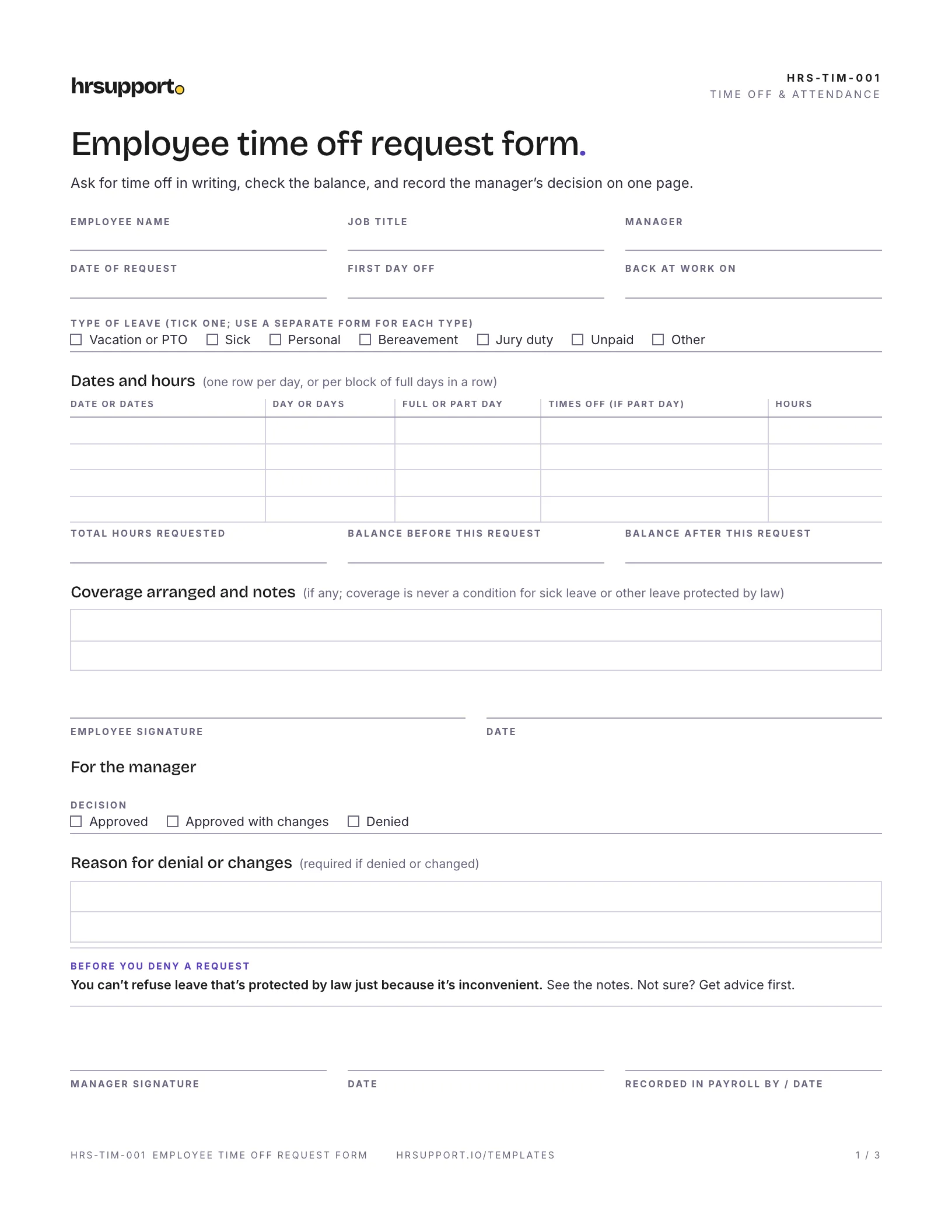 Employee Time Off Request FormLeave type, dates and hours, balance, coverage and approval on one page.Free
 WordPDF
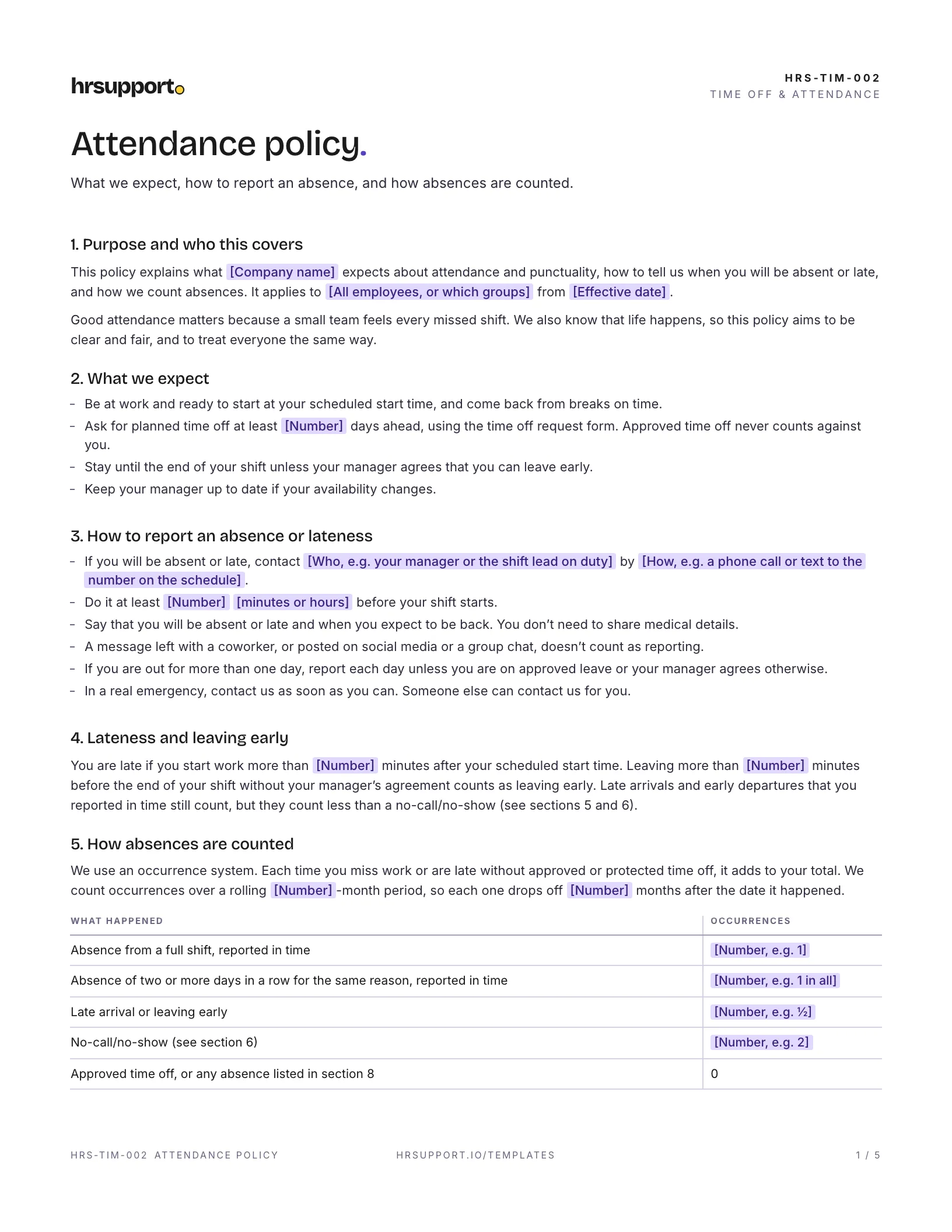 Attendance Policy TemplateCall-in rules, occurrences, no-call/no-show, discipline steps and a tracker.FreeWordPDF
Join the waitlist for early access and early-access pricing. It takes ten seconds.