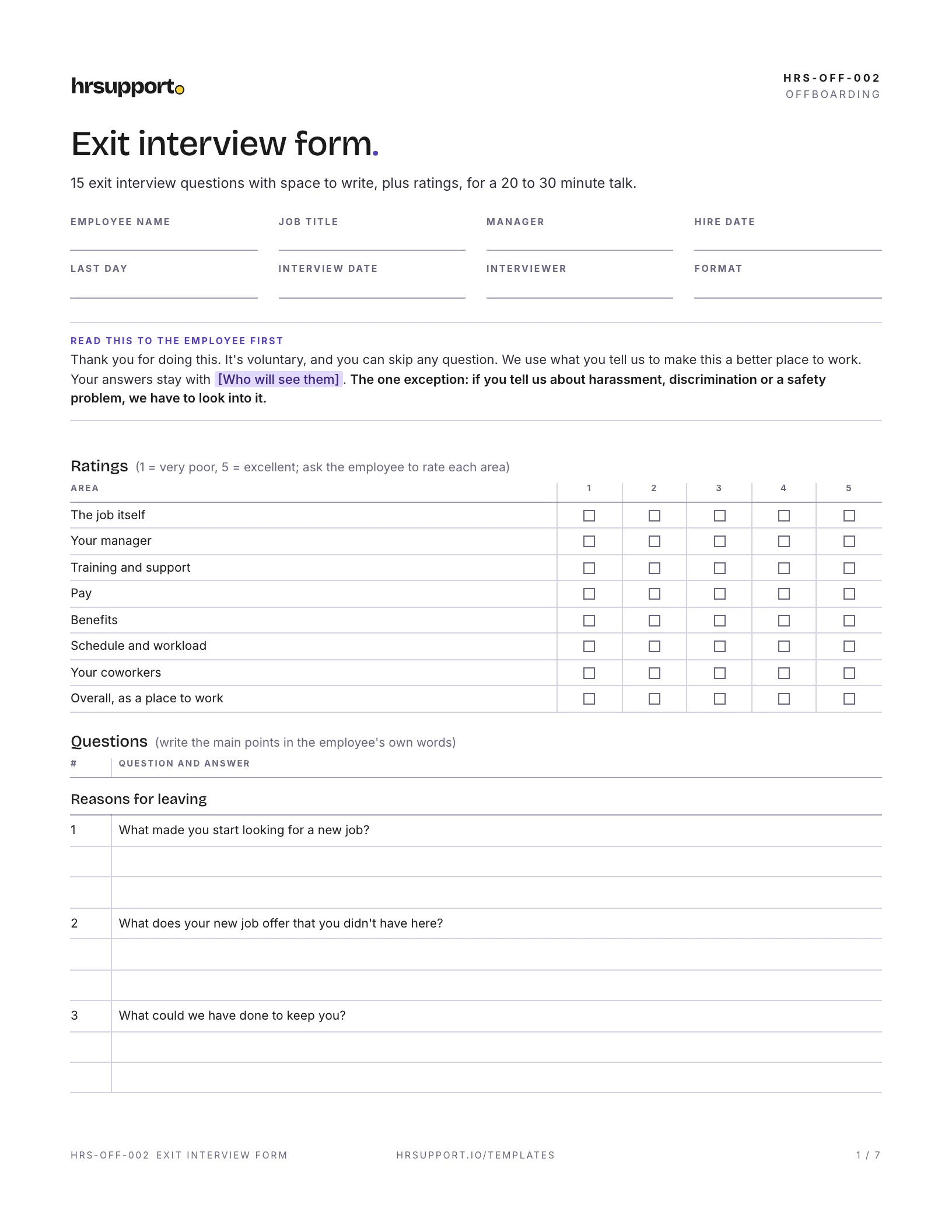
 Exit Interview Questions and Form15 questions in five groups, 1–5 ratings and a follow-up box.Free
 Word
 PDF
An anonymous survey your team can fill in in 10 minutes, with 26 statements in nine themes and four open questions. Type the answers into the Excel file and it works out the averages, the share of positive answers and your lowest scores.
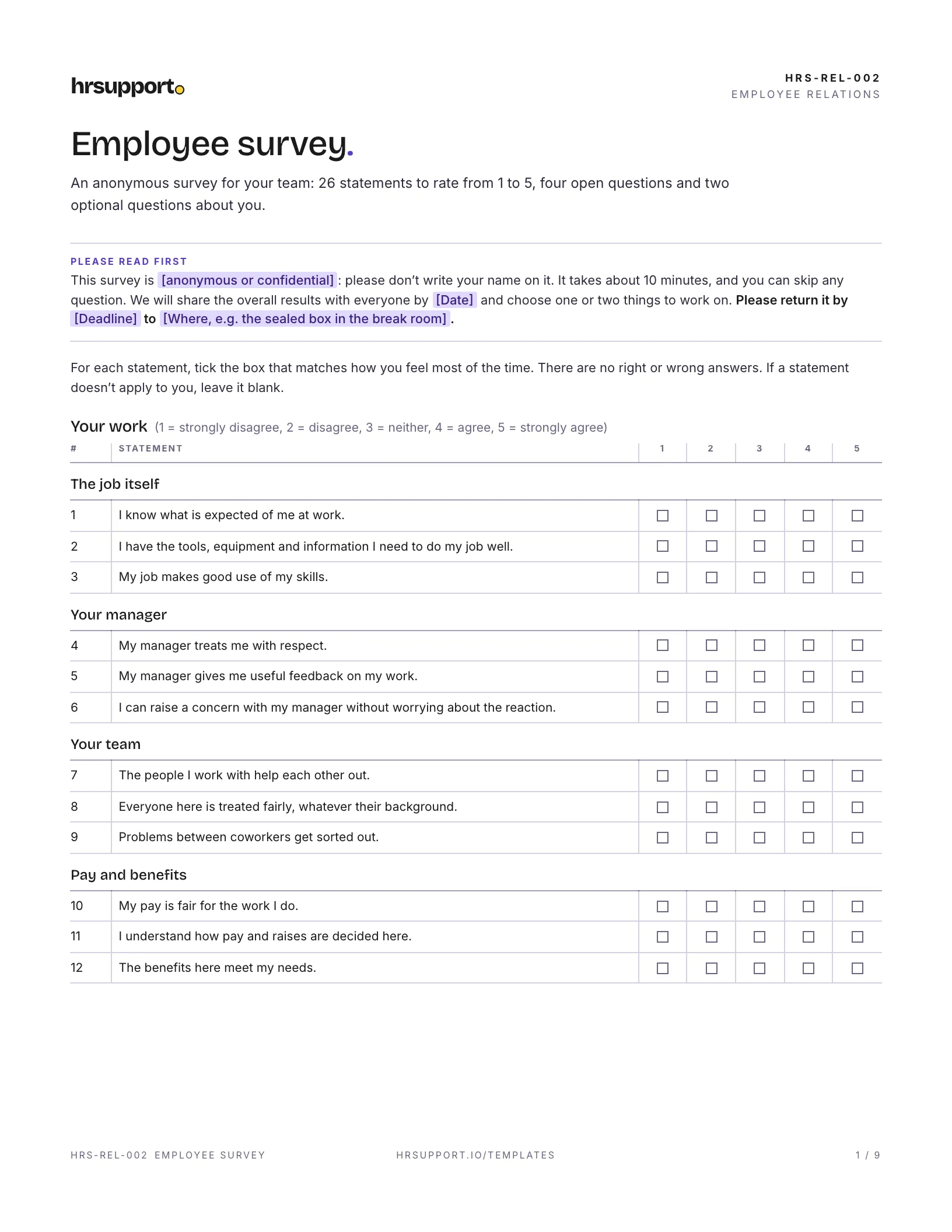
An employee survey template gives your team a safe way to tell you what is working and what isn’t, before it shows up as resignations. This free employee survey is written for US small businesses without an HR department. It has 26 statements to rate from 1 to 5 in nine themes, four open questions and two optional questions about the person, kept broad so nobody can be identified. Hand it out on paper or edit it in Word, then type the answers into the Excel file to get your scores.
A nine-page PDF for US Letter paper, a Word file you can edit and an Excel workbook to tally the answers:
Each one is a statement to rate from 1 (strongly disagree) to 5 (strongly agree). One scale for everything keeps the scores comparable.
The job itself
Your manager 4. My manager treats me with respect. 5. My manager gives me useful feedback on my work. 6. I can raise a concern with my manager without worrying about the reaction.
Your team 7. The people I work with help each other out. 8. Everyone here is treated fairly, whatever their background. 9. Problems between coworkers get sorted out.
Pay and benefits 10. My pay is fair for the work I do. 11. I understand how pay and raises are decided here. 12. The benefits here meet my needs.
Growth and training 13. I have had the training I need to do my job well. 14. I am learning and growing in this job. 15. I know what I would need to do to move up or take on more.
Communication 16. I know what is going on in the business. 17. I hear about changes that affect me before they happen. 18. My ideas and suggestions are listened to.
Workload and wellbeing 19. My workload is manageable most weeks. 20. My schedule works for my life outside work. 21. I feel safe at work.
Recognition 22. I get recognized when I do good work. 23. I feel valued here.
Overall 24. I am proud to work here. 25. I see myself still working here a year from now. 26. I would recommend working here to a friend.
Scores tell you where to look; comments tell you why. The survey ends with four:
A satisfaction survey asks whether people are content with their pay, schedule, manager and conditions. An engagement survey asks about commitment: pride, plans to stay and whether they would recommend you. A small business doesn’t need two staff surveys. The first eight themes here cover satisfaction, and the overall theme covers engagement, so one survey a year does both jobs.
Anonymous means nobody can tell who answered. Confidential means someone can, but promises not to share it. Only promise what you can keep. In a team of 15, a question about age, job title or gender can point straight at one person, and so can a team of two. That’s why the “about you” questions only ask for a broad team and a time band, and why the Excel file shows “Too few” for any group smaller than five. Never try to match handwriting or comments to people.
On the Responses sheet, type each returned survey into one row: the numbers 1 to 5, the team and time band if given, and the comments. The Results sheet shows the response rate, the average and % favorable (the share of 4s and 5s) for every statement and theme, theme scores by team and time band, and how many people gave each score. The two lowest themes and three lowest statements turn yellow, so you can see where to start.
The download includes a fictional dental practice that handed out 16 surveys and got 14 back. The team scores well on helping each other and on safety, and lowest on knowing how pay and raises are decided, hearing about schedule changes in time, and knowing how to move up. The results page records two actions: explain how pay is set and share pay ranges, and post the schedule two weeks ahead with a short Monday huddle. The workbook has the same 14 responses as sample rows, so you can see every formula working before you clear them.
Thank people, share the scores and say what you will do. Pick one or two changes you can actually make, name who owns each, and give a date. For individual concerns, follow up in one-on-one meetings. When someone leaves anyway, exit interview questions tell you whether you fixed the right things.
The NLRB says employees have the right to act with coworkers on work issues, including talking about wages, benefits and other working conditions, and that an employer can’t discharge, discipline or threaten them for it, or coercively question them about it. Don’t use a survey to find out who complained. And if a comment describes harassment or a safety problem, treat it as a complaint even though it’s anonymous. The EEOC says an employer is liable for harassment by coworkers it knew, or should have known, about and failed to correct promptly. An employee complaint form gives people a named route as well.
Want help reading what your team is telling you? hrsupport.io gives HR answers for your state, with the law behind every answer.
Ready to use it? It’s free, and comes with a filled-in example.
Template questions
Cover the things that make people stay or leave. Ask about the job itself, their manager, the team, pay and benefits, growth and training, communication, workload, recognition and how they feel overall, with two or three statements each. Use one 1 to 5 agree scale for all of them so the scores compare. Then add three or four open questions, such as what is the best thing about working here and what one thing they would change.
Don't ask for names, and use paper with a sealed box or an online form that doesn't record who answered. Keep questions about the person broad, such as team or time band, and only report a group when at least five people in it answered. In a team of 12, asking for job title, age and gender can identify almost anyone. Never try to work out who wrote what.
A satisfaction survey asks whether people are happy with things like pay, schedule and conditions. An engagement survey asks about commitment, such as whether they are proud to work here, see themselves staying and would recommend you. In a small business one survey can do both. This template covers satisfaction in its first eight themes and engagement in the overall theme.
Once or twice a year is enough for most small businesses. You need time to act on the results and for people to notice the change before you ask again. Use the same statements each time so you can compare scores. Between surveys, keep the conversation going in regular one-on-one meetings, which catch problems faster than any survey.
Work out the average for each statement and theme, and the share of answers that were 4 or 5, called % favorable. Look at the lowest themes and statements first, then read the comments for the reasons. The Excel file in this template does the sums and turns the lowest scores yellow. One or two clear actions on the weakest areas beat a long list nobody follows up.
Yes. The NLRB says employees have the right to act with coworkers on work issues, including talking about wages, benefits and other working conditions, and that an employer can't discharge, discipline or threaten them for it, or coercively question them about it. So don't discourage people from discussing the survey or its results, and don't use it to find out who raised a complaint.
Free HR templates
Exit Interview Questions and Form15 questions in five groups, 1–5 ratings and a follow-up box.FreeWordPDF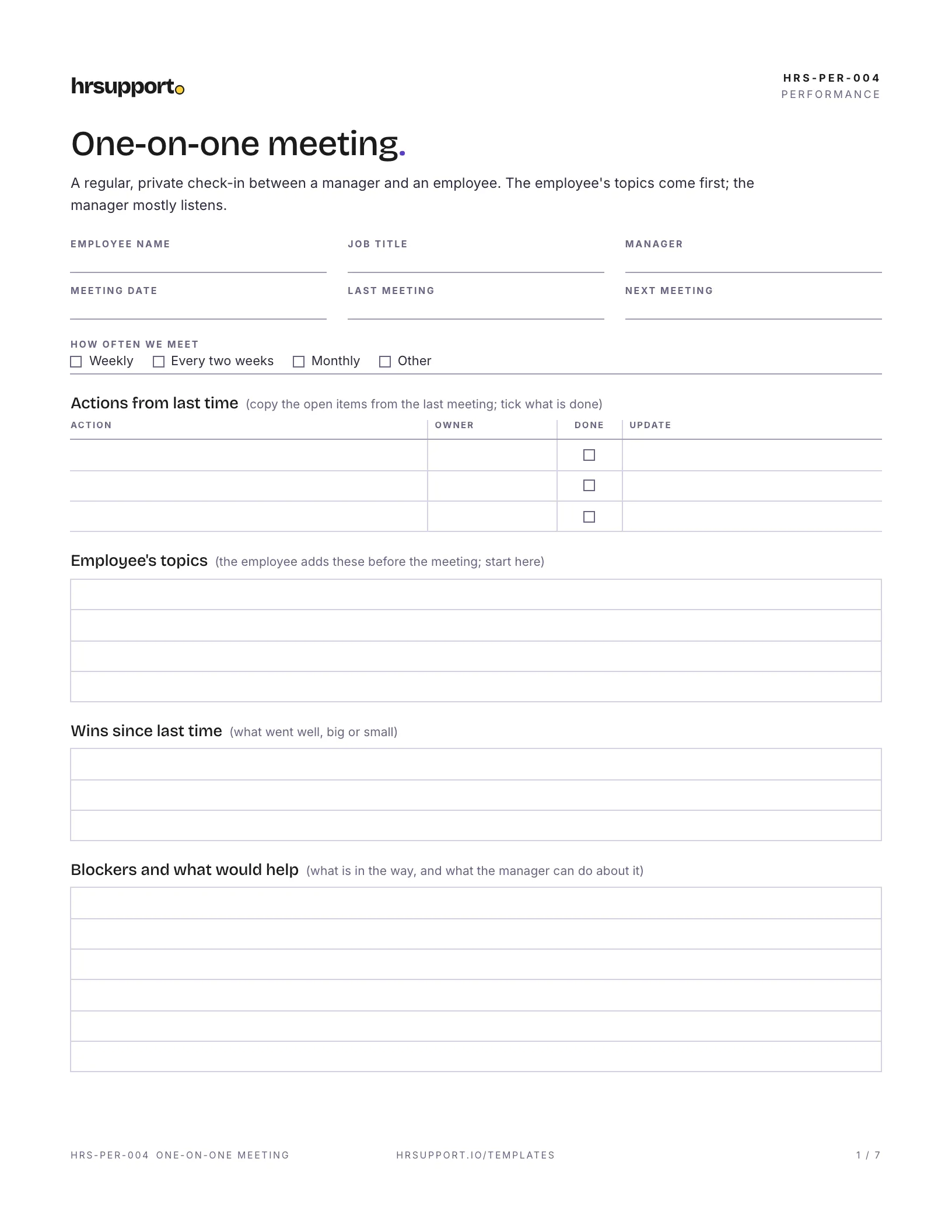 One-on-One Meeting TemplateAgenda, notes, action items and 15 questions for regular manager check-ins.FreeWordPDF
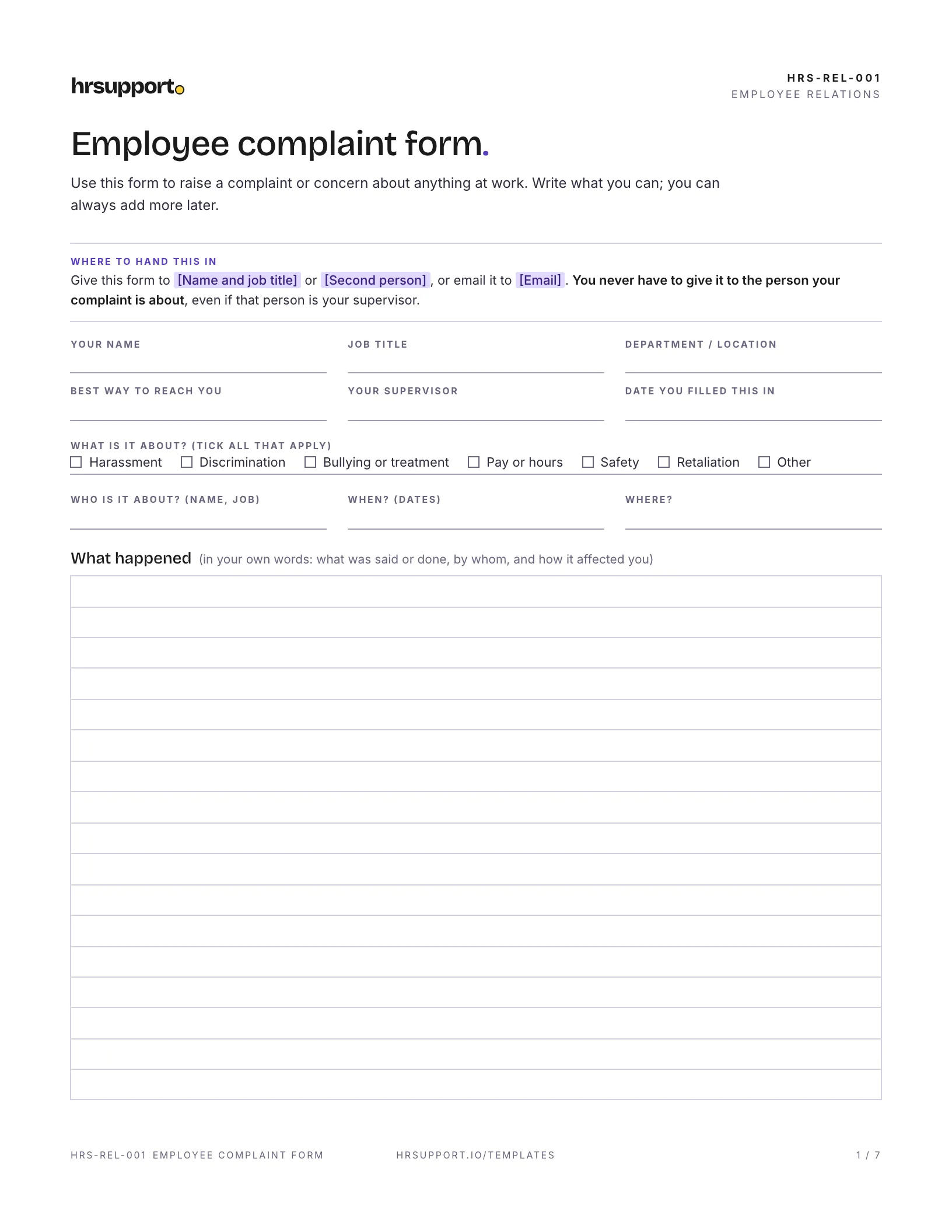 Employee Complaint FormHarassment, pay, safety or treatment, with a handling record and investigation log.FreeWordPDF
Join the waitlist for early access and early-access pricing. It takes ten seconds.