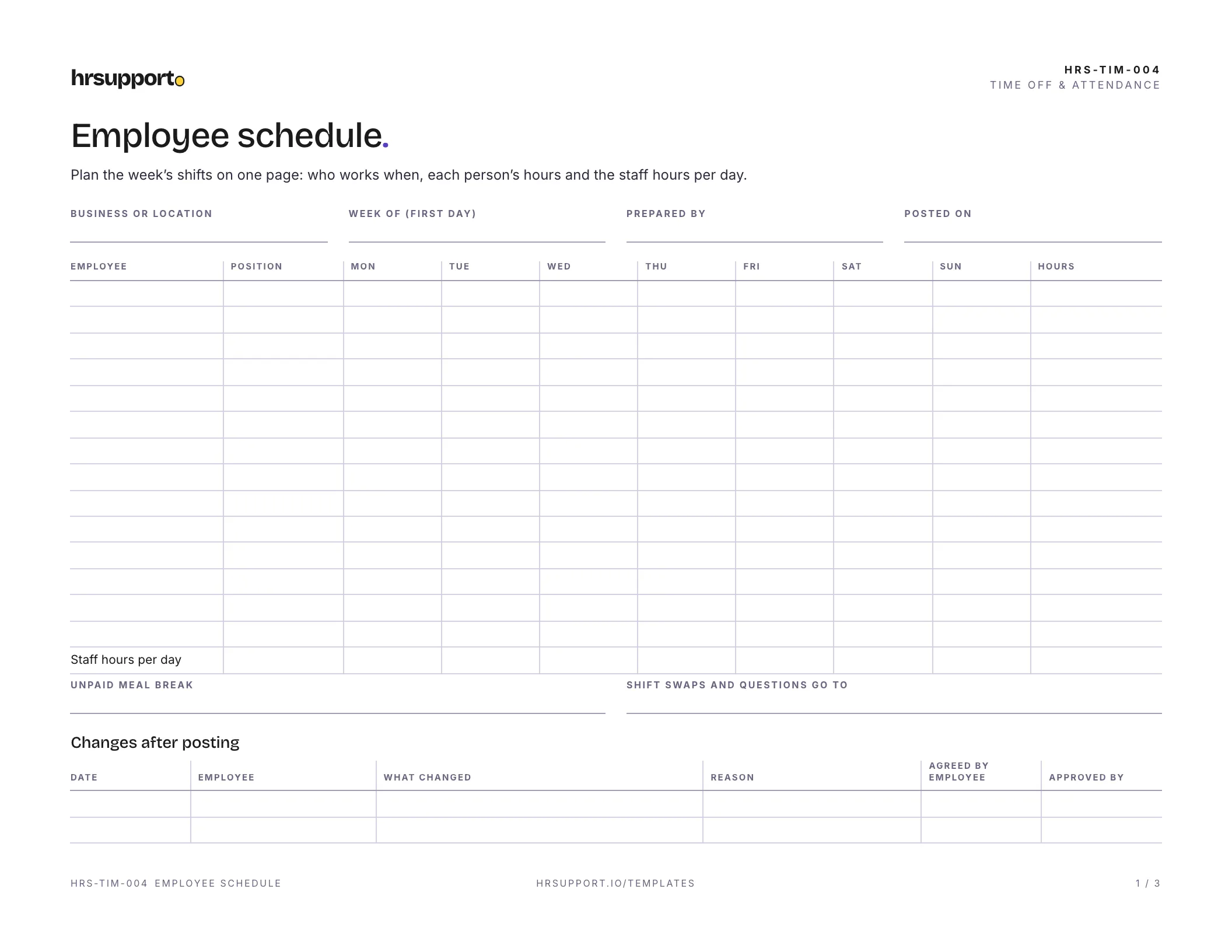
 Employee Schedule TemplateA weekly shift grid in Excel with hours, overtime flag and daily totals.Free
 Excel
Excel PDF
PDFA weekly timesheet in Excel that splits regular and overtime hours for you, and a printable PDF version. Record time in, meal break and time out for each day, then sign off.
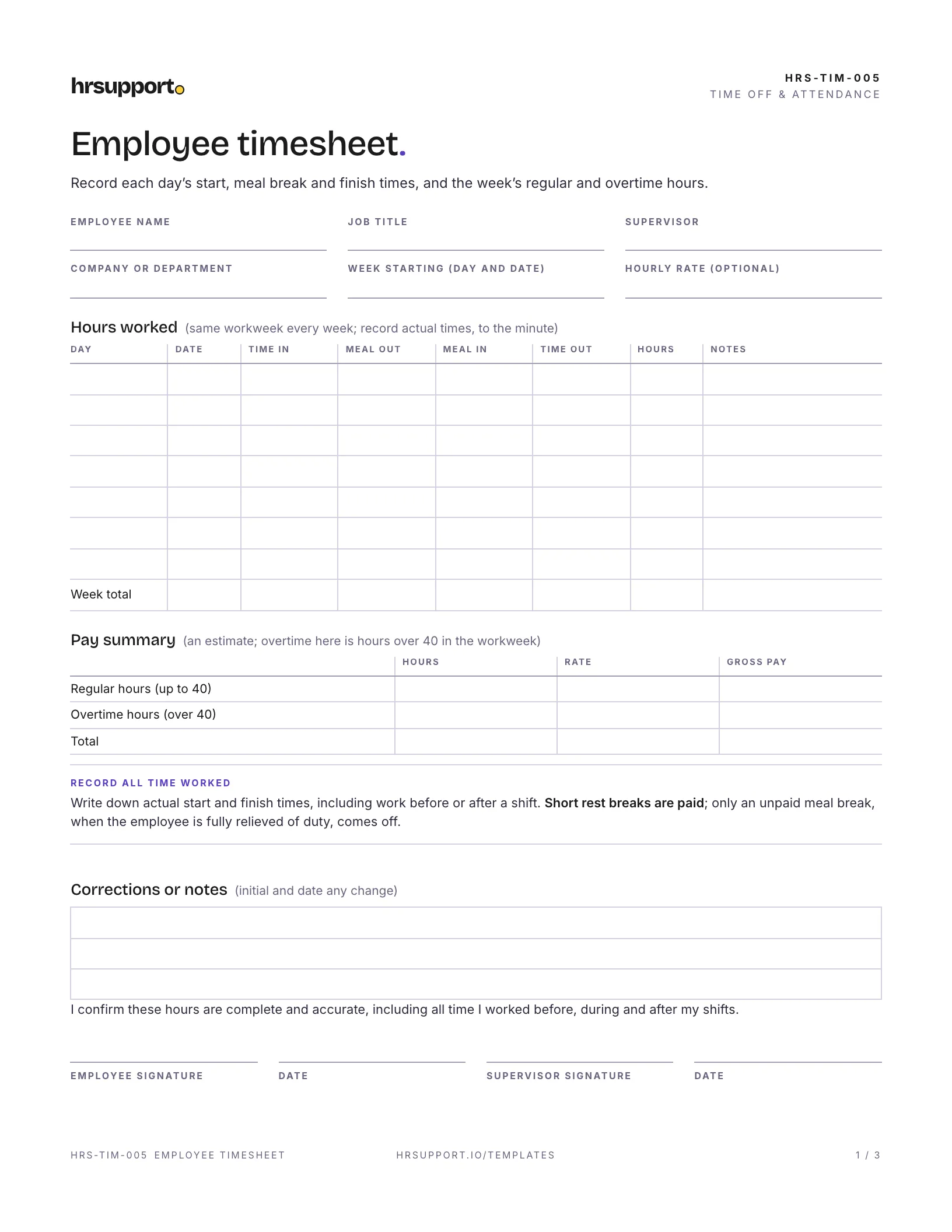
An employee timesheet template records when each employee started, took a meal break and finished each day, so you can pay them correctly. This free weekly timesheet comes as an Excel workbook that adds up the hours for you, and as a printable PDF. The Excel version works out each day’s hours, the weekly total, regular hours up to 40, overtime over 40 and an optional gross pay estimate.
An Excel workbook and a three-page PDF, sized for US Letter:
The example is a week for a service technician at a fictional plumbing company. He works five weekday shifts with a 30-minute unpaid lunch, including a long Wednesday for an emergency repair, then gets called in for three hours on Saturday for a burst pipe. His total is 45.25 hours: 40 regular hours at $32.00 and 5.25 overtime hours at $48.00, time and a half. The gross pay estimate is $1,532.00. The sheet also shows 2.25 hours over 8 in a day, which would matter in a state with daily overtime. He signs on Sunday, and his manager approves it on Monday.
A time sheet template, a weekly timesheet template and an employee time sheet are the same thing: a record of the hours someone worked. Use the Excel file if you can. It does the math, so nobody adds up hours by hand, and you can save one file per employee per week. Print the PDF for crews who work away from a computer, and type the times into Excel at the end of the week.
Federal law lets you use any timekeeping method, from a time clock to a sheet the employee fills in, as long as the records are complete and accurate (DOL Fact Sheet #21).
Under the Fair Labor Standards Act, nonexempt employees get at least time and a half for hours over 40 in a workweek (DOL Fact Sheet #23). Each workweek stands alone; a 30-hour week and a 50-hour week still mean 10 hours of overtime (29 CFR 778.104). The overtime rate is based on the “regular rate”, which includes most pay, not just the hourly wage (29 CFR 778.108), so the pay figure on the timesheet is only an estimate when there are commissions or bonuses.
Some states add daily overtime. California, for example, requires overtime for work over 8 hours in a workday, over 40 in a workweek and on the seventh day in a row, with double time in some cases (Labor Code 510). The “Over 8 that day” column helps you spot those hours, but the pay estimate follows the federal weekly rule only.
For nonexempt employees, federal rules list what your payroll records must show, including the day and time the workweek begins, hours worked each workday and workweek, the regular rate and the overtime pay (29 CFR 516.2). Keep payroll records for at least three years (29 CFR 516.5), and time cards and other records you work pay out from for at least two years (29 CFR 516.6).
Work you didn’t ask for but allowed still counts, such as an employee who stays late to finish a job (29 CFR 785.11). A rule against it isn’t enough; you have to stop the work or pay for it (29 CFR 785.13). Short rest breaks are paid (29 CFR 785.18), and a meal period is unpaid only if the employee is completely relieved of duty (29 CFR 785.19). Many states also require meal breaks; the DOL keeps a list of state meal period rules. Rounding is accepted only if it doesn’t underpay people over time (29 CFR 785.48).
Get advice if someone’s pay mixes hourly wages with commissions or bonuses, if you aren’t sure an employee is exempt from overtime, or if you find hours that were worked but never paid. Fixing it early costs less than fixing it later.
Not sure what your state requires for overtime or breaks? hrsupport.io gives HR answers for your state, with the law behind every answer.
Ready to use it? It’s free, and comes with a filled-in example.
Template questions
Take the time out minus the time in, then subtract any unpaid meal break. For example, 7:00 a.m. to 4:00 p.m. is 9 hours, and a 30-minute unpaid lunch brings it to 8.5. Add the days for the weekly total. The Excel version does this for you, including shifts that end after midnight, and splits the week into regular hours up to 40 and overtime over 40.
Under federal wage law, keep time cards and other records you work out pay from for at least two years. Keep payroll records, such as hours per day and week and the pay for them, for at least three years. Your state may have its own rules, so check before you throw anything away. Keeping both for three years is a simple habit.
Under federal law, nonexempt employees get at least time and a half for hours over 40 in a workweek. Each workweek stands alone, so you can't average a short week with a long one. Some states also have daily overtime. California, for example, requires overtime for work over 8 hours in a workday, over 40 in a workweek and on a seventh day in a row.
Federal rules accept rounding to the nearest 5 minutes, tenth of an hour or quarter hour only if, over time, it doesn't underpay employees for the time they actually worked. Rounding that always works in your favor won't pass that test. The simplest approach is to record exact times, which is what this timesheet asks for.
Short breaks of about 5 to 20 minutes count as hours worked, so they're paid and shouldn't be clocked out. A meal period, usually 30 minutes or more, can be unpaid only if the employee is completely relieved of duty. Someone who eats at their desk while answering phones is still working. Many states also require meal or rest breaks.
It's good practice. The employee confirms the hours are complete, including any time before or after the shift, and the supervisor confirms them for payroll. If a time is wrong, correct it, then initial and date the change rather than erasing it, so the record shows what happened. Keep the signed sheet with the payroll records.
Free HR templates
Employee Schedule TemplateA weekly shift grid in Excel with hours, overtime flag and daily totals.FreeExcelPDF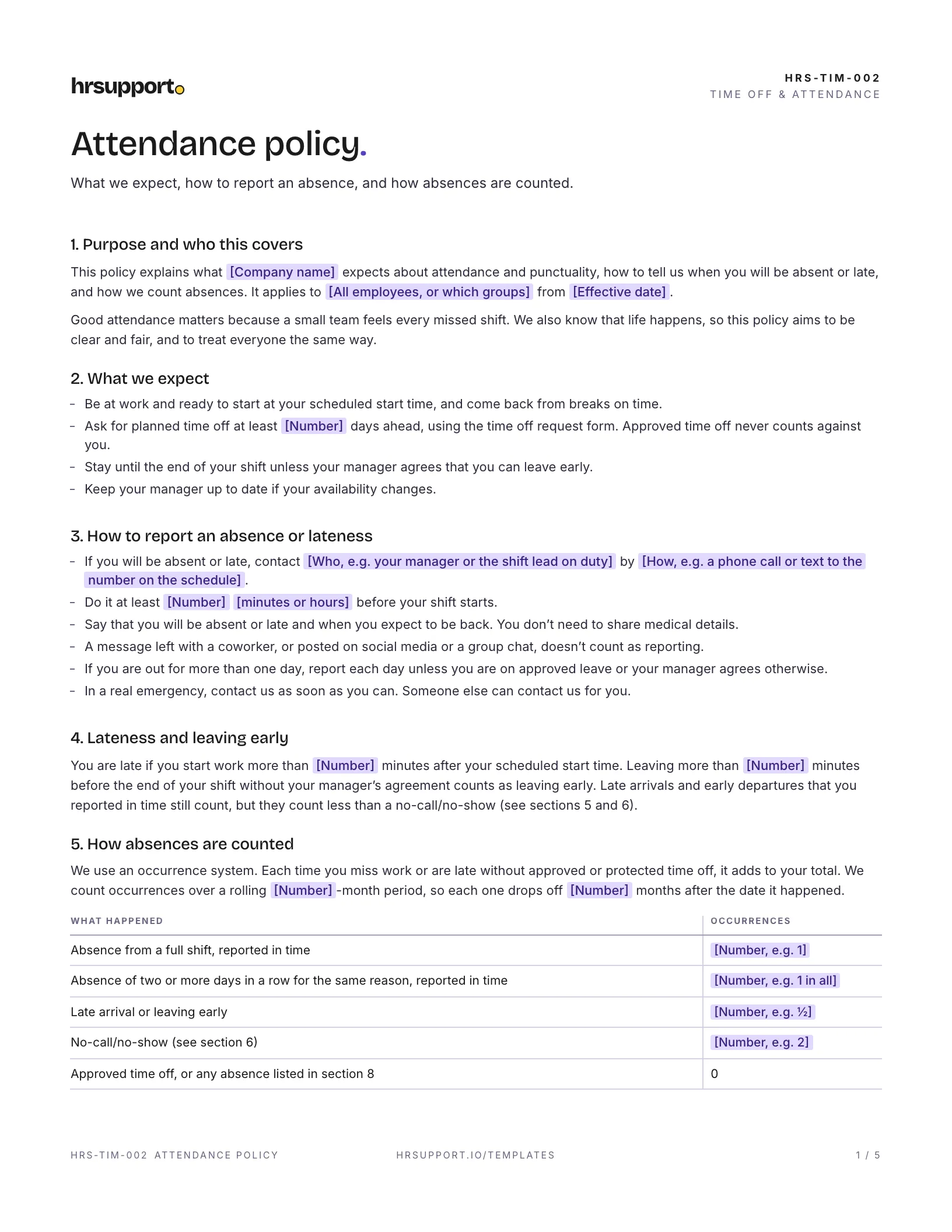 Attendance Policy TemplateCall-in rules, occurrences, no-call/no-show, discipline steps and a tracker.Free
 WordPDF
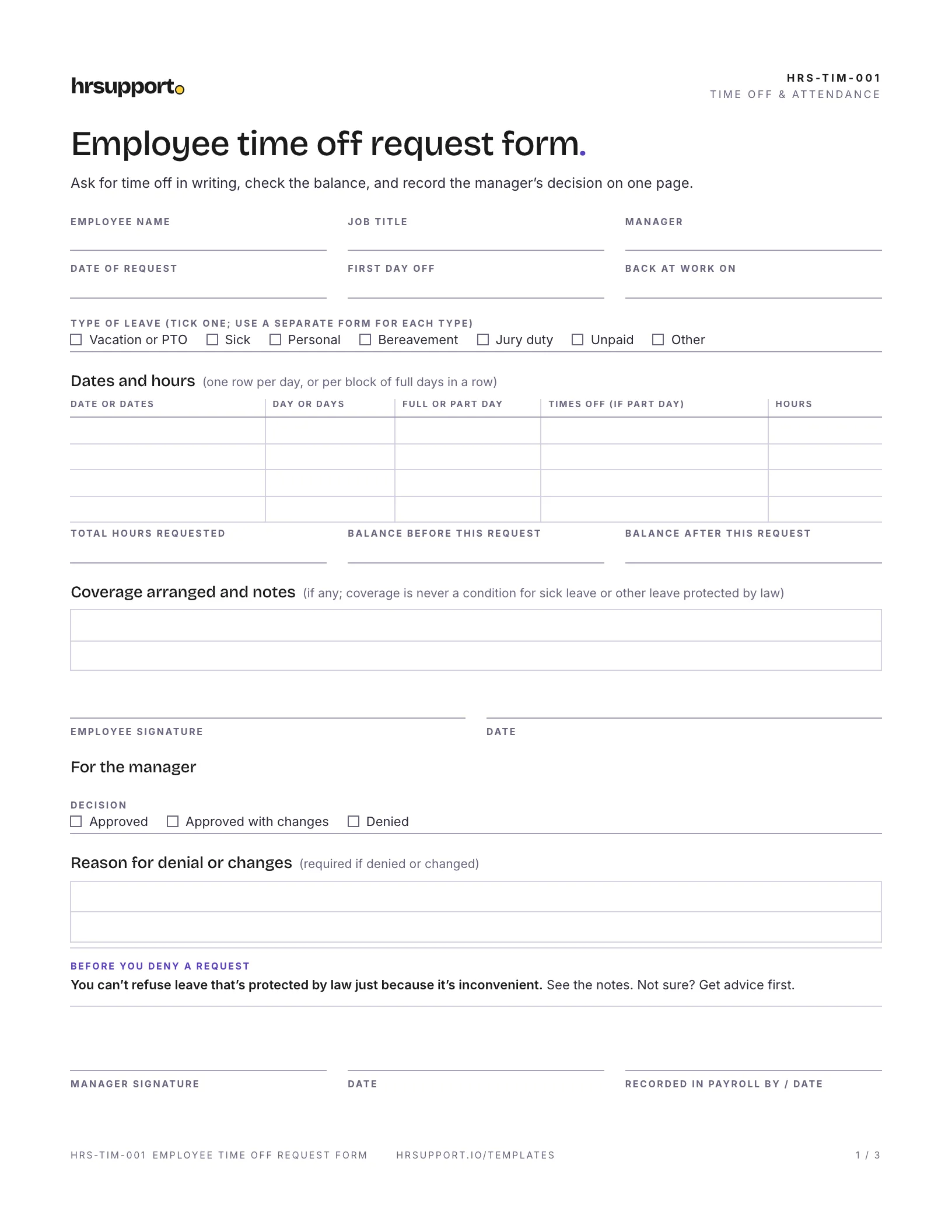 Employee Time Off Request FormLeave type, dates and hours, balance, coverage and approval on one page.FreeWordPDF
Join the waitlist for early access and early-access pricing. It takes ten seconds.