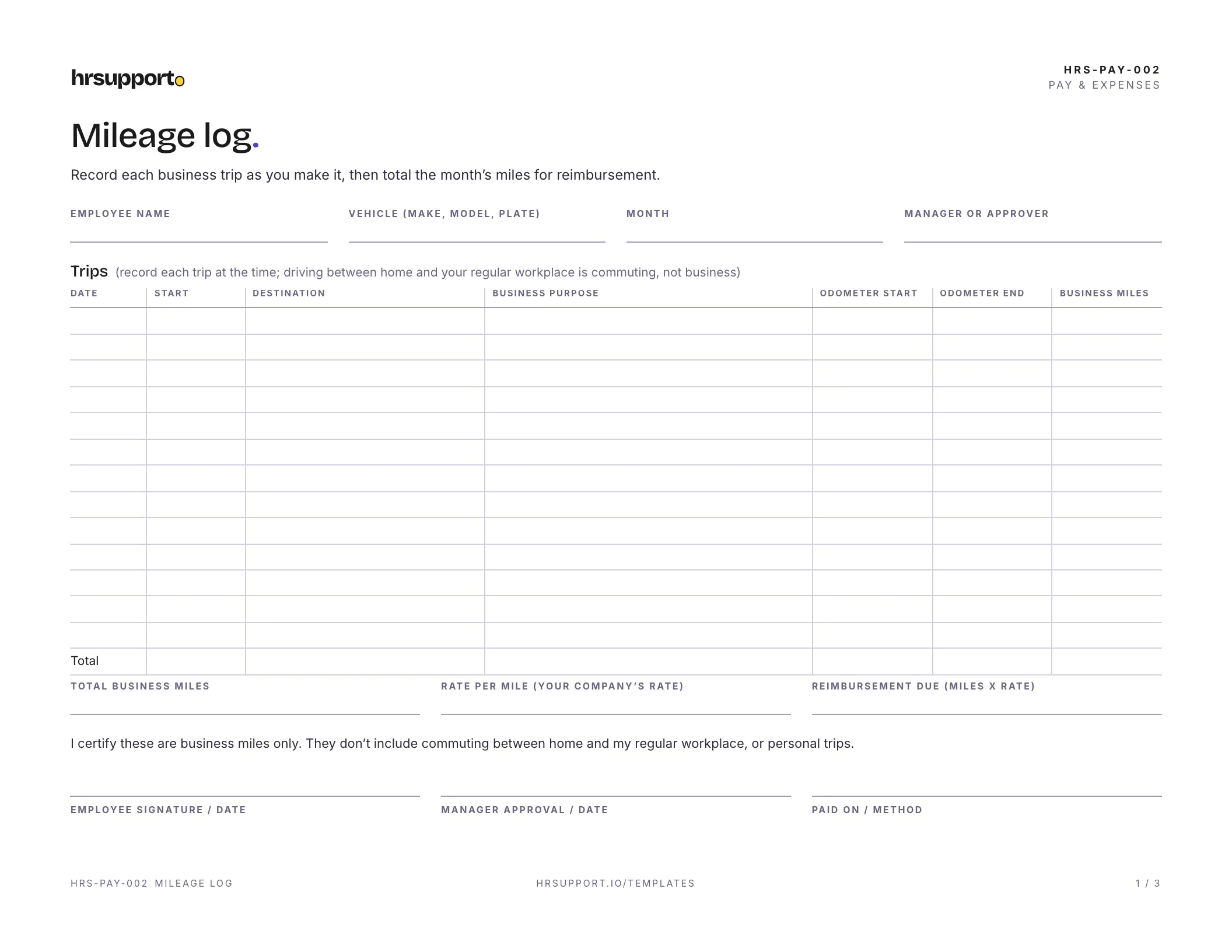
 Mileage Log TemplateBusiness trips, odometer readings, monthly miles and reimbursement at your rate.Free
 Excel
 PDF
An expense report in Excel that totals each category and works out what's owed after any advance, plus a printable PDF version. List each receipt, add mileage, then sign and approve.
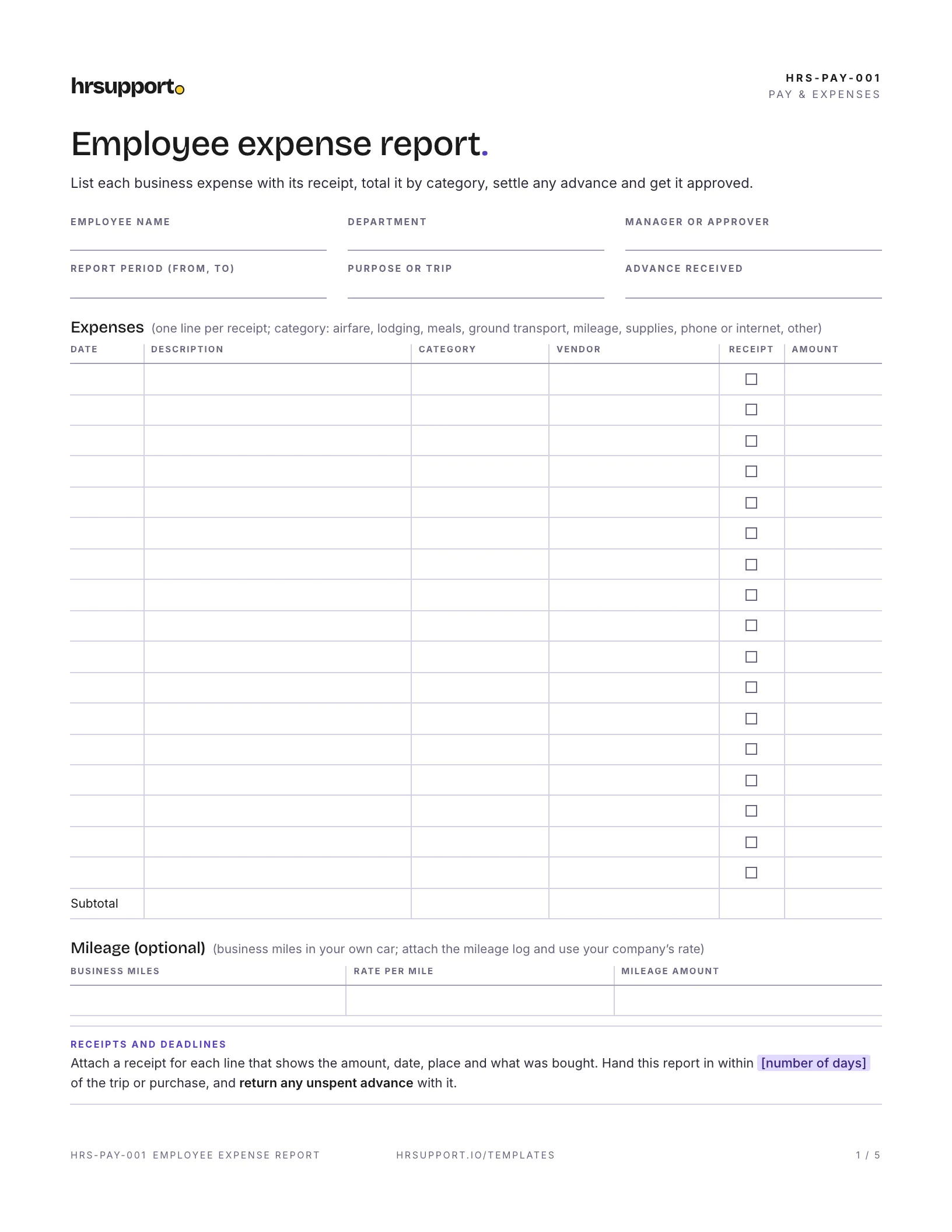
An expense report template gives employees one place to list what they spent on company business, attach the receipts and get paid back. This free employee expense report comes as an Excel workbook that does the math, and as a printable PDF. The Excel version totals each category with formulas, adds an optional mileage line, takes off any cash advance and shows exactly what’s owed, either to the employee or back to the company.
An Excel workbook and a five-page PDF, sized for US Letter:
The example is a three-day trade show trip for a wholesale account manager at a fictional coffee roaster. Her report lists 10 expenses: a registration fee, a round-trip flight, two nights in a hotel, rideshares, meals, booth supplies and in-flight Wi-Fi with no receipt, which she explains. She also drove 38 business miles delivering samples, entered at an example rate of $0.50 a mile. The total comes to $1,025.30. She had a $400.00 advance, so the report shows $625.30 due to her. She signs, the owner approves it the next day, and it’s paid by direct deposit, separate from her pay.
An expense reimbursement form, a travel expense report and a business expense report all do the same job: show what was spent, why, and what the company owes. Use this one for a single trip or for a month of smaller purchases. The Excel file is the easiest to keep: save one file per report, and nobody adds up receipts by hand. Print the PDF for staff who’d rather write it out, then check the totals before you pay.
How you reimburse affects taxes. The IRS treats a reimbursement arrangement as an accountable plan when it requires a business connection for the expenses, substantiation within a reasonable period of time, and the return of any excess within a reasonable period of time (IRS Publication 463, chapter 6). Amounts paid under an accountable plan aren’t wages and aren’t subject to income, Social Security, Medicare and FUTA taxes. Payments under a nonaccountable plan are wages (IRS Publication 15).
The IRS treats these as reasonable periods: an advance given within 30 days of the expense, expenses accounted for within 60 days, and any excess returned within 120 days. A report like this one, with receipts attached and the advance settled, is how an employee accounts for expenses. If one payment includes both wages and a reimbursement, show the reimbursement amount separately.
Records should be made at or near the time of the expense. Receipts that show the amount, date, place and what it was for are the best support, and a record kept on a computer counts (Publication 463, chapter 5).
Some states require employers to pay back business expenses. California, for example, requires employers to indemnify employees for all necessary expenditures or losses incurred in direct consequence of their duties (Labor Code 2802).
Federal wage law adds a floor. Wages must be paid “free and clear”, and if an employer requires employees to buy things mainly for the employer’s benefit, such as tools of the trade, the cost can’t cut into the minimum wage or overtime owed for the workweek (29 CFR 531.35, DOL Fact Sheet #16). For hourly staff near the minimum wage, prompt reimbursement avoids the question.
Talk to your accountant or payroll provider before paying flat allowances without receipts, reimbursing at rates above the federal per diem or mileage rates, or reimbursing an owner or a relative who works for you. Get HR or legal advice if an employee disputes a reimbursement you turned down.
Not sure what your state requires for expense reimbursement? hrsupport.io gives HR answers for your state, with the law behind every answer.
Ready to use it? It’s free, and comes with a filled-in example.
Template questions
Who the report is for, the period and the business purpose, then one line per expense with the date, a description, the category, the vendor and the amount. Attach the receipts. Add any business miles, subtract any advance, and show the amount due either way. Finish with the employee's signature, the manager's approval and when and how it was paid. This template has all of these.
Not if they're paid under an accountable plan. The IRS calls a plan accountable when expenses have a business connection, employees substantiate them within a reasonable period, and they return any excess. Amounts paid that way aren't wages. A flat allowance with no receipts and no return of the unspent part is a nonaccountable plan, and those payments are taxable wages.
Set a deadline in your policy. For the tax rules, the IRS treats expenses accounted for within 60 days after they were paid or incurred as within a reasonable period, and excess advances returned within 120 days. Many small businesses ask for reports within 30 days or by the end of the month, which keeps receipts from getting lost.
IRS rules generally don't require a receipt for an expense under $75, other than lodging, but the employee still needs a record of the amount, date, place and business purpose. Your policy can ask for every receipt, and many employers do. If a receipt is lost, have the employee explain it on the report and attach whatever shows the charge, such as a card statement.
It depends on the state and the pay. Under federal wage law, costs that are mainly for the employer's benefit can't take a non-exempt employee's pay below the minimum wage or cut into overtime. Some states go further. California, for example, requires employers to repay employees for all necessary expenditures or losses incurred in direct consequence of their duties. Check your state's rules.
Enter the advance in the header. The report takes it off the total, then shows either the amount still due to the employee or the unspent amount they owe back. Under IRS accountable plan rules, unspent advances should be returned within a reasonable period. An advance that's never accounted for or returned is treated as taxable wages.
Free HR templates
Mileage Log TemplateBusiness trips, odometer readings, monthly miles and reimbursement at your rate.FreeExcelPDF Employee Timesheet TemplateDaily times in and out, regular and overtime hours, and sign-off for one week.FreeExcelPDF
 Employee Handbook TemplateTwenty-nine short policies and an acknowledgment page, ready to fill in.Free
 WordPDF
Join the waitlist for early access and early-access pricing. It takes ten seconds.