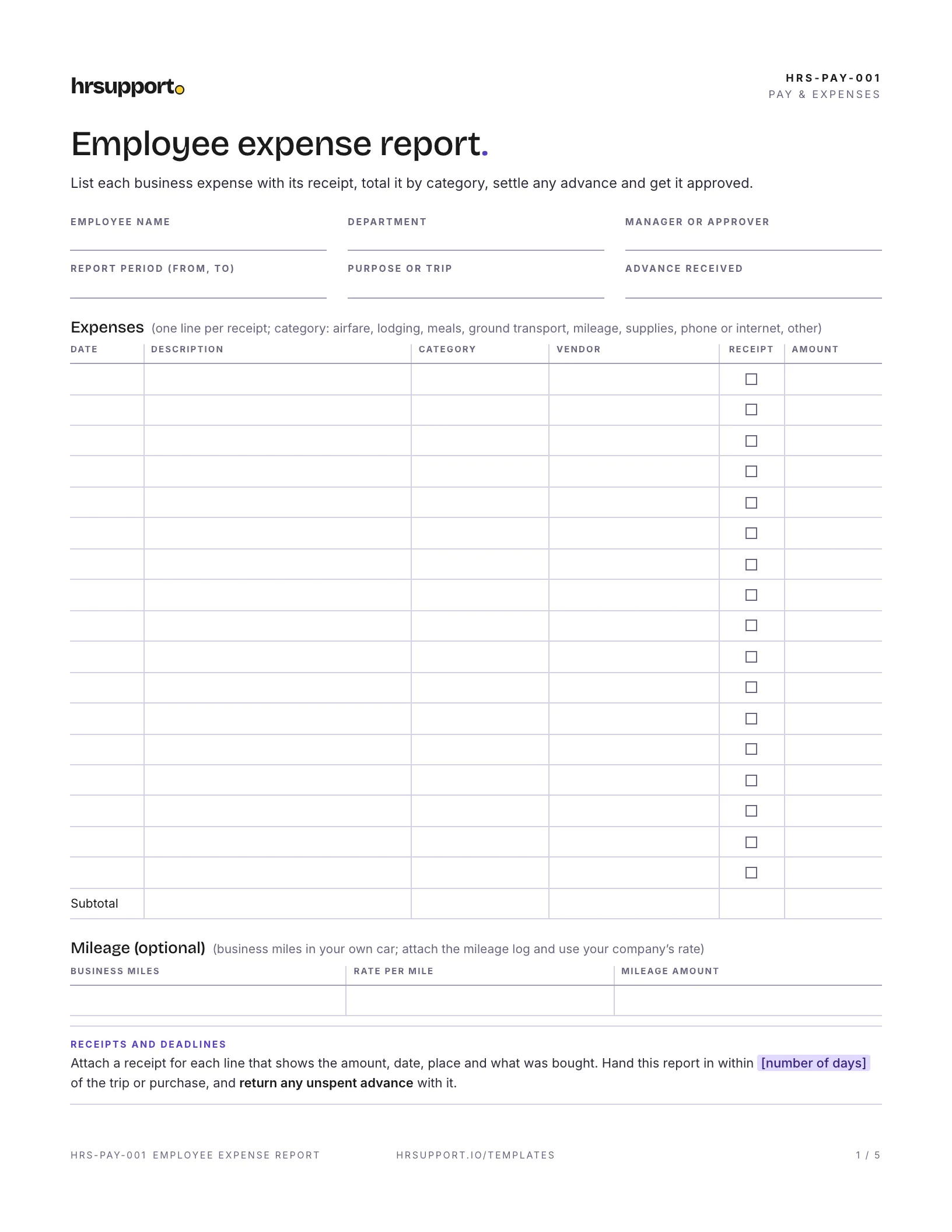
 Employee Expense Report TemplateItemized expenses, category totals, mileage, advances and approval in one report.Free
 Excel
 PDF
A monthly mileage log in Excel that works out each trip's miles and the reimbursement at your rate, plus a printable PDF to keep in the car. Record the date, destination, purpose and odometer for every business trip.
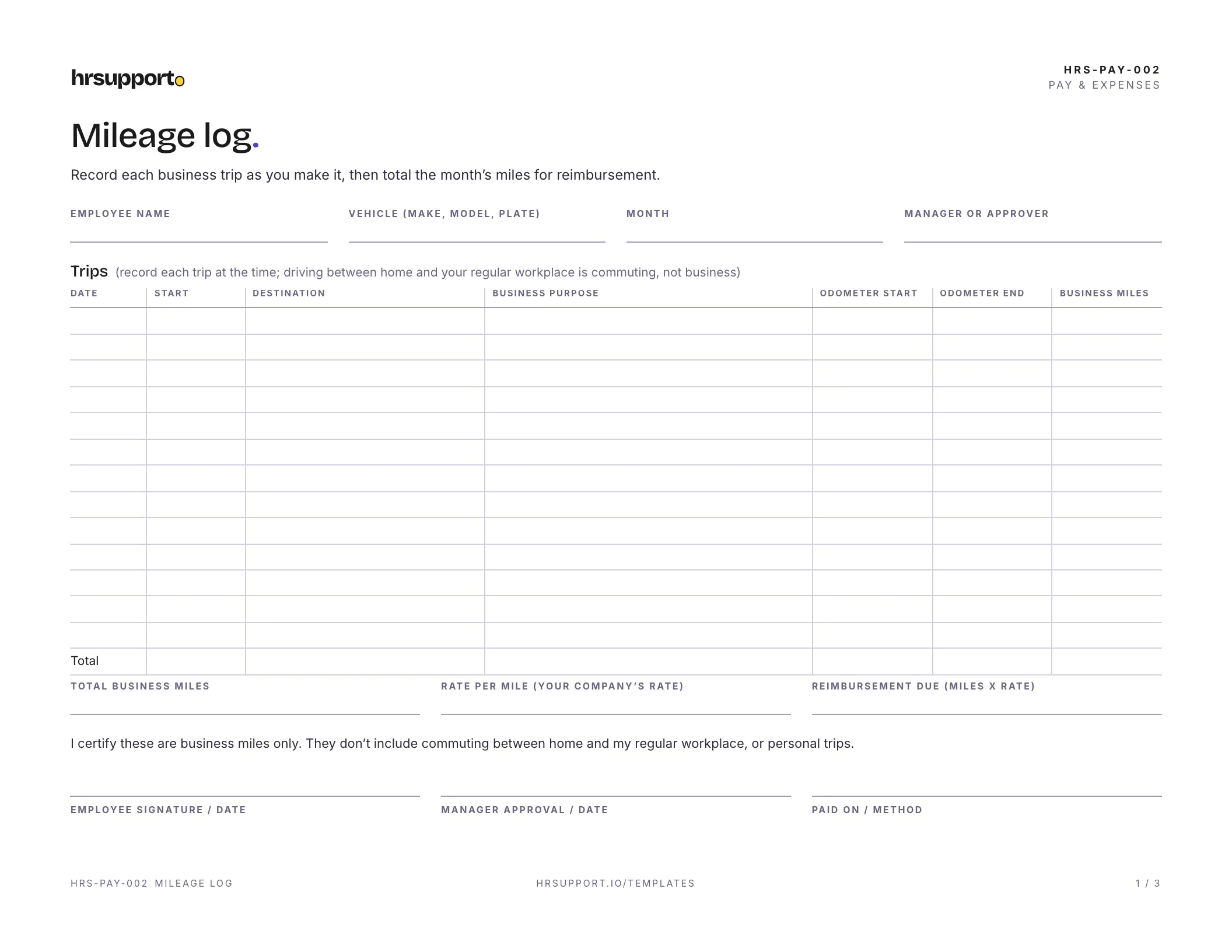
A mileage log template records each business trip you make in a car: when, where, why and how far. This free mileage log comes as an Excel workbook that works out the miles and the reimbursement for you, and as a printable monthly PDF to keep in the glove box. Employees use it to get paid back for driving their own car for work. Employers use it to check and approve mileage before they pay it.
An Excel workbook and a three-page PDF, sized for US Letter landscape:
The example is a month of driving for a leasing and maintenance coordinator at a fictional property management company. He logs 11 trips from the office to three properties, a hardware store, the county permit office and the bank, for inspections, repairs, showings and a lease signing. Nine trips have odometer readings; two short round trips use typed miles, doubled. The month comes to 192.4 business miles. At an example rate of $0.50 a mile, not the IRS rate, the reimbursement is $96.20. He signs on December 1, and the owner approves it the next day.
A mileage log, a mileage reimbursement form and a vehicle mileage log are the same record used for different jobs. For an employer, it shows what to reimburse. For taxes, it’s the written record the IRS expects when you claim business use of a car. Under IRS rules, the record should show the date of each business use, the business destination, the business purpose and the miles, and it should be made at or near the time (IRS Publication 463, chapter 5). A log kept up weekly counts as timely, and a record kept on a computer counts as written.
The IRS sets a standard mileage rate for business use each year, and it has sometimes changed it partway through a year. Look up the rate for the dates of the trips on the IRS standard mileage rates page. This template doesn’t print a rate, so it never goes out of date.
Employers can choose their own rate. Under an accountable plan, an employee is treated as having accounted for a per-mile reimbursement that doesn’t exceed the federal rate, as long as the business miles, dates, places and purpose are recorded (IRS Publication 15). That reimbursement isn’t wages. If the rate you pay is higher, the excess is reported as wages. Business parking fees and tolls aren’t part of the standard rate, so claim them separately on an expense report.
Driving between home and your main or regular workplace is a personal commuting expense, no matter how far it is, and even if you work during the trip (Publication 463, chapter 4). Taking a business call or carrying tools doesn’t change that. Trips from the workplace to customers, job sites, suppliers or the bank are business miles. There are exceptions, such as some trips to temporary work locations, which Publication 463 explains.
There’s no single answer. Some states require it: California, for example, requires employers to repay employees for all necessary expenditures incurred in direct consequence of their duties (Labor Code 2802). Under the federal Fair Labor Standards Act, costs mainly for the employer’s benefit can’t take a non-exempt employee’s pay below the minimum wage or cut into overtime (DOL Fact Sheet #16). Whatever you decide, put the rate and the rules in writing.
Talk to your accountant or payroll provider before paying a flat car allowance, paying more than the federal rate, or reimbursing an owner who drives a company or personal car. Self-employed people claiming car expenses on their own return should check Publication 463 or ask a tax professional.
Not sure what your state requires for mileage reimbursement? hrsupport.io gives HR answers for your state, with the law behind every answer.
Ready to use it? It’s free, and comes with a filled-in example.
Template questions
For each business trip, the date, where you went, the business purpose and the miles driven. That's what IRS recordkeeping rules ask for when you use a car for business. Odometer readings at the start and end make the miles easy to show. Record trips at or near the time; a log you update weekly counts. Add up business miles for the month or the year.
The IRS sets a standard mileage rate for business use of a car each year, and it has sometimes changed the rate partway through a year. Check the IRS standard mileage rates page for the rate that applies to the dates of the trips. Employers don't have to use it; they can choose their own rate per mile. This template leaves the rate as a cell you fill in.
Under an accountable plan, a per-mile reimbursement at or below the federal rate is treated as accounted for if the employee records the miles, dates, places and business purpose, and it isn't wages. Anything paid above the federal rate is reported as wages. A flat car allowance with no mileage records is a nonaccountable plan, and it's taxed as wages.
No. Driving between home and your main or regular workplace is personal commuting, however far it is, and even if you make work calls on the way. Driving from the workplace to a customer, a job site or a supplier is business. There are exceptions, such as some trips to temporary work locations, and IRS Publication 463 explains them.
It depends on the state and the pay. Some states require employers to reimburse necessary business expenses; California is one example. Under federal wage law, costs mainly for the employer's benefit can't take a non-exempt employee's pay below the minimum wage or cut into overtime. IRS Publication 463 also notes that most employees can't deduct unreimbursed car expenses themselves.
Yes. The same written record of dates, destinations, business purpose and miles supports a car expense deduction. IRS Publication 463 explains the two ways to figure it, the standard mileage rate or actual expenses, and the rules for choosing between them. Ignore the approval lines, or use them for a client who reimburses your mileage. A tax professional can help with your own return.
Free HR templates
Employee Expense Report TemplateItemized expenses, category totals, mileage, advances and approval in one report.FreeExcelPDF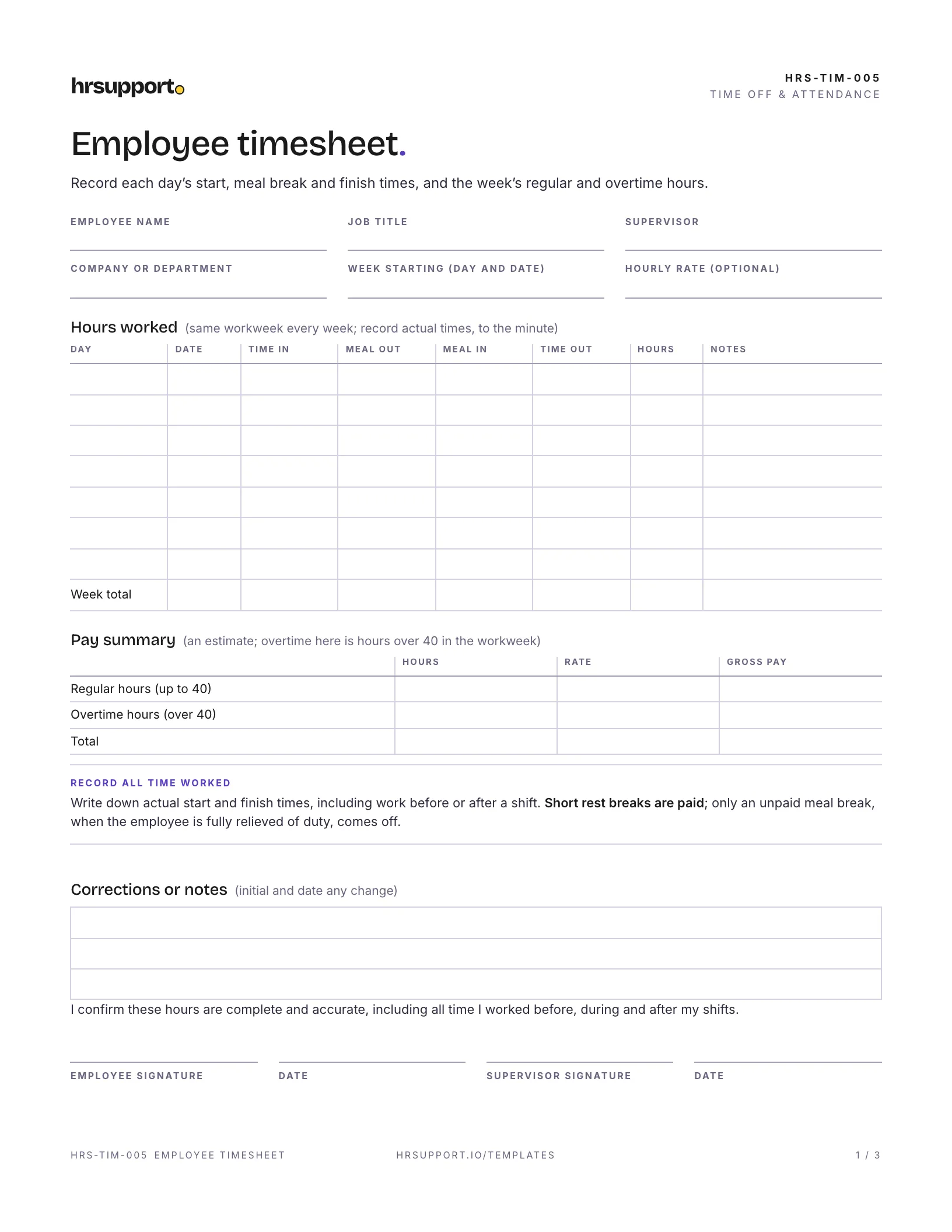 Employee Timesheet TemplateDaily times in and out, regular and overtime hours, and sign-off for one week.FreeExcelPDF
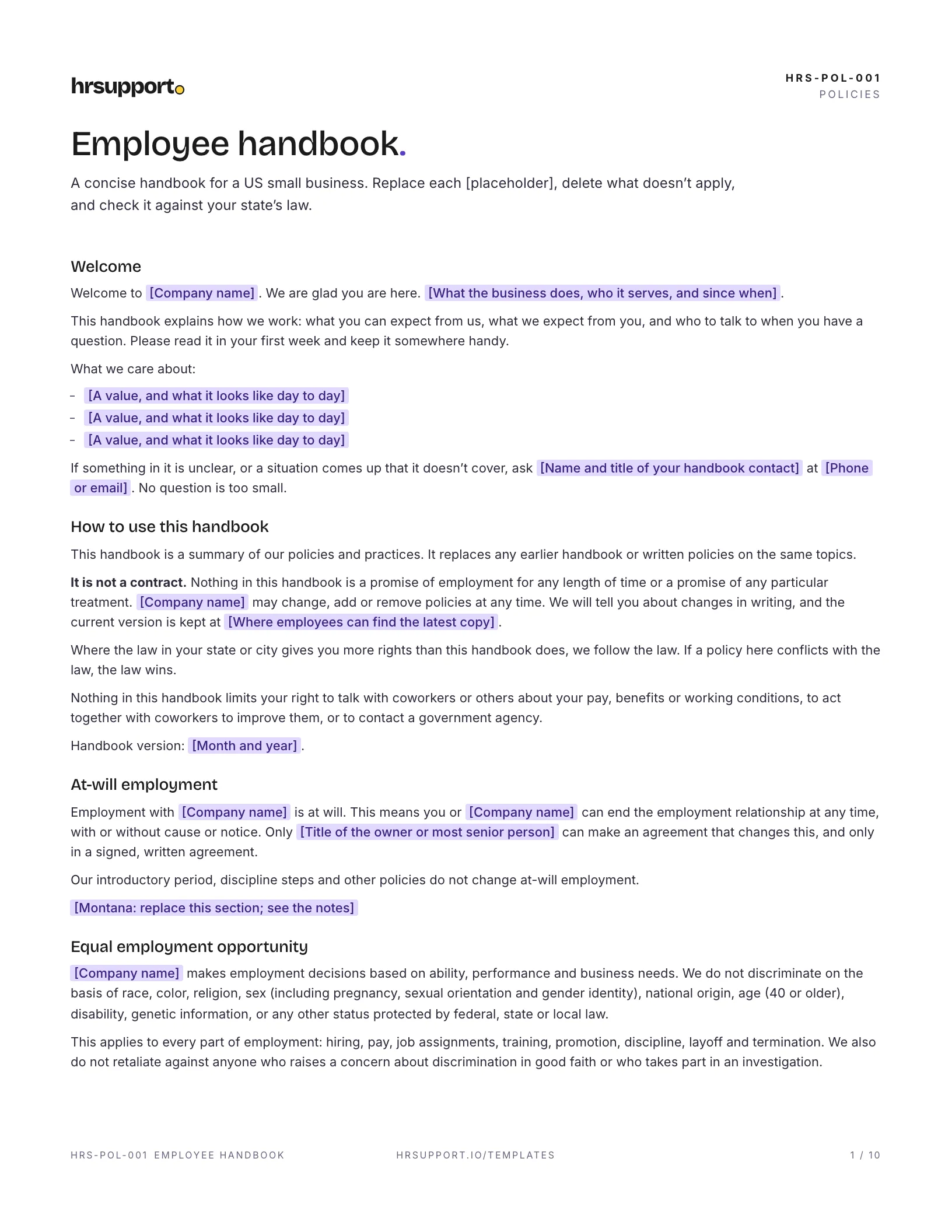 Employee Handbook TemplateTwenty-nine short policies and an acknowledgment page, ready to fill in.Free
 WordPDF
Join the waitlist for early access and early-access pricing. It takes ten seconds.