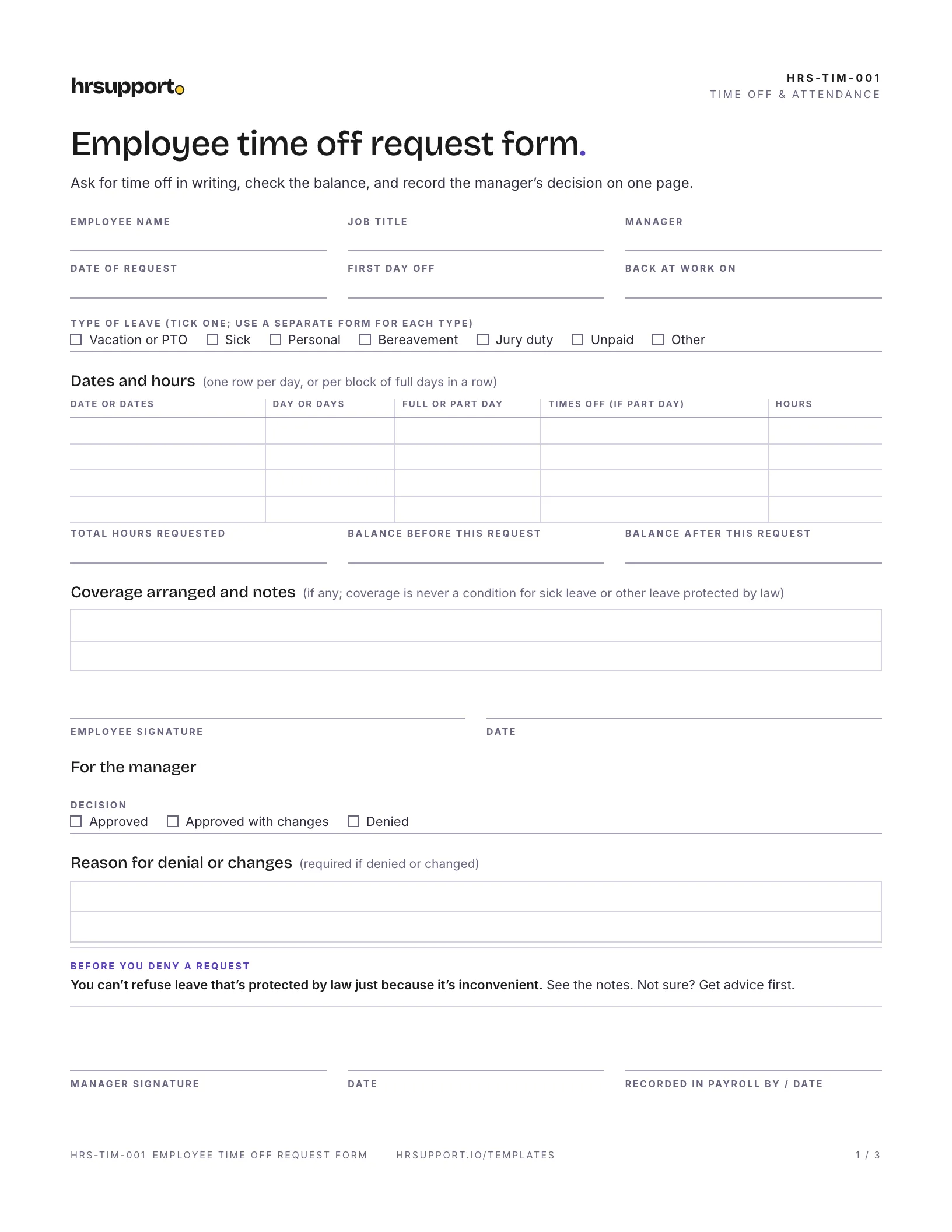
 Employee Time Off Request FormLeave type, dates and hours, balance, coverage and approval on one page.Free
 Word
 PDF
An Excel PTO tracker for your whole team, plus a printable yearly record for one employee. Log each absence once, and the balances, totals by type and a 12-month calendar fill in for you.
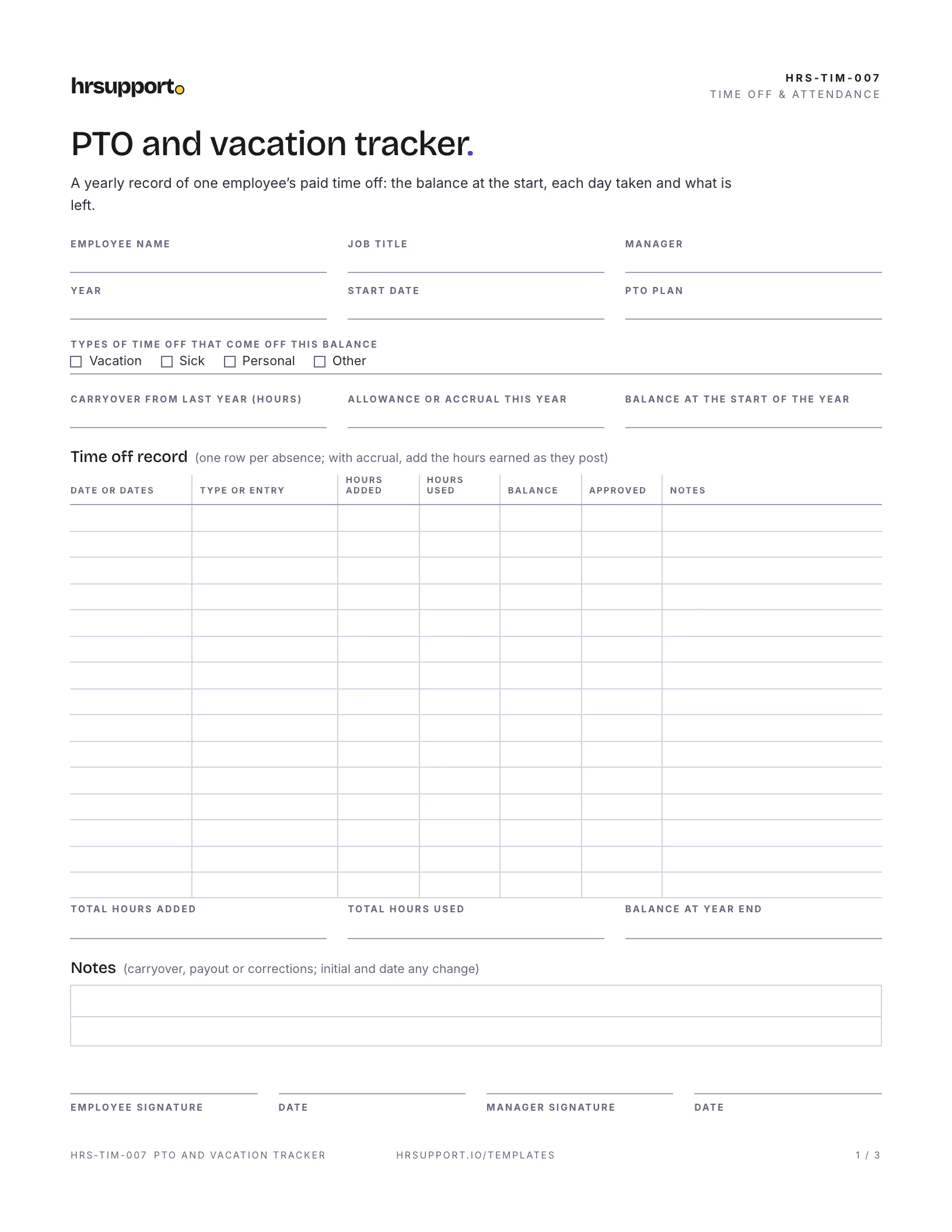
A PTO tracker template keeps a running record of each employee’s paid time off: what they earned, what they took and what is left. This free PTO and vacation tracker is an Excel workbook for your whole team, with a printable yearly record for one employee. Log each absence once, and the workbook works out hours taken by type, the remaining balance and a 12-month calendar of who is off.
An Excel workbook and a three-page PDF, sized for US Letter:
The example rows in the workbook are made up. Clear them before you start; the formulas stay.
The example is a fictional veterinary clinic with six employees. Four get a yearly allowance of 80 or 120 hours, available on January 1. A part-time receptionist accrues 1.5 hours each payday, and a kennel assistant who started in June accrues 3.08 hours each payday from her first payday. The log has 23 entries, including a jury duty day and a bereavement day logged as Other, which don’t come off the balance. On the Summary, the receptionist shows -6.00 hours and a yellow “Overdrawn” flag, because a personal day was approved before he had earned it. The PDF example is the practice manager’s year: 24 hours carried over, 120 hours given on January 1, 116 hours used and 28 hours left.
With an accrual plan, employees earn time off as they work instead of getting it all at once. The usual method is a set number of hours each payday: divide the yearly allowance by the number of paydays. Eighty hours a year paid every two weeks is 80 divided by 26, about 3.08 hours each payday. The workbook counts the paydays from the first payday of the year, or from the start date for a new hire, up to the “Balance as of” date.
Some employers accrue per hour worked, which suits part-time staff whose hours change. Some sick leave laws work this way. Washington, for example, requires at least one hour of paid sick leave for every 40 hours worked (RCW 49.46.210). To accrue per hour worked in this tracker, work out the hours earned in payroll and type them as the employee’s allowance.
Federal wage law doesn’t require paid vacation, sick leave or holidays at all (DOL). What happens to unused time is mostly a state question. California, for example, treats earned vacation as wages: it vests as it is earned, can’t be lost under a use-it-or-lose-it rule, may be capped, and must be paid out at the final rate when employment ends (California Labor Commissioner, Labor Code 227.3). There, a PTO bank that covers both vacation and sick days follows the same rules, and PTO taken before it was earned can’t be deducted from the final paycheck.
Before you set a carryover limit, check your state’s rule, write the policy down and apply it to everyone. The Summary’s “Overdrawn” flag is a prompt to check your policy on advancing PTO before it happens again.
Some states and cities require paid sick leave, with their own rules on accrual, use and notice. California, for example, requires employers to show the paid sick leave available, or the PTO given instead, on the pay stub or in a separate writing on payday (Labor Code 246). If your PTO bank is meant to cover a sick leave law, check that it meets that law’s rules.
The FMLA gives eligible employees of covered employers, those with 50 or more employees in 20 or more workweeks, up to 12 workweeks of unpaid, job-protected leave in a 12-month period (DOL). An employee may choose to use accrued paid leave at the same time, or you may require it (29 CFR 825.207). Covered employers must keep records of the dates of FMLA leave, and the hours for leave in part days, for at least three years (29 CFR 825.500). Use the log’s notes to mark FMLA time, and keep medical certificates in a separate confidential file. For requests, use the time off request form; for absences that aren’t PTO, the attendance tracker and your attendance policy.
Get advice before you refuse to pay out unused vacation when someone leaves, before you introduce a use-it-or-lose-it rule or a cap, and if you aren’t sure whether your PTO plan meets a state or local sick leave law.
Not sure what your state says about unused vacation? hrsupport.io gives HR answers for your state, with the law behind every answer.
Ready to use it? It’s free, and comes with a filled-in example.
Template questions
List each employee with their yearly allowance or accrual rate and any carryover. Then record every absence in a log, one row per absence, with the employee, the dates, the type and the hours. Total the hours by employee and type with SUMIFS, and subtract them from what each person has earned. This template does all of that for you, and adds a calendar and a flag for negative balances.
Divide the yearly allowance by the number of paydays. Eighty hours a year with 26 paydays is about 3.08 hours each payday. Multiply by the paydays so far to get the hours earned, add any carryover, then subtract what has been used. If you accrue by hours worked instead, divide the allowance by the hours in a full year; 80 hours over 2,080 hours is about 0.0385 per hour.
Federal law doesn't require it. Your state may. California, for example, treats earned vacation as wages and requires all vested vacation to be paid at the final rate of pay when employment ends, for any reason. Rules differ from state to state, so check yours before you write a payout or carryover policy, and follow your policy consistently.
It depends on the state. California, for example, doesn't allow vacation that has been earned to be forfeited at year end, though it does allow a reasonable cap that stops further accrual once a balance reaches a set level. Rules differ from state to state, so check yours, then put the carryover rule in writing.
If a state or local paid sick leave law applies to you, it may set its own accrual, carryover, use and notice rules, so a separate sick bank is often simpler. Washington, for example, requires at least one hour of paid sick leave per 40 hours worked. In the tracker, set Sick to "No" so it doesn't come off the PTO balance, and track it against that law.
It can. FMLA leave is unpaid, but an employee may choose to use accrued paid leave at the same time, or the employer may require it, under the employer's normal leave policy. Mark that time as FMLA in the log's notes, so you know how much of the 12 workweeks has been used. Only employers with 50 or more employees in 20 or more workweeks are covered.
Free HR templates
Employee Time Off Request FormLeave type, dates and hours, balance, coverage and approval on one page.FreeWordPDF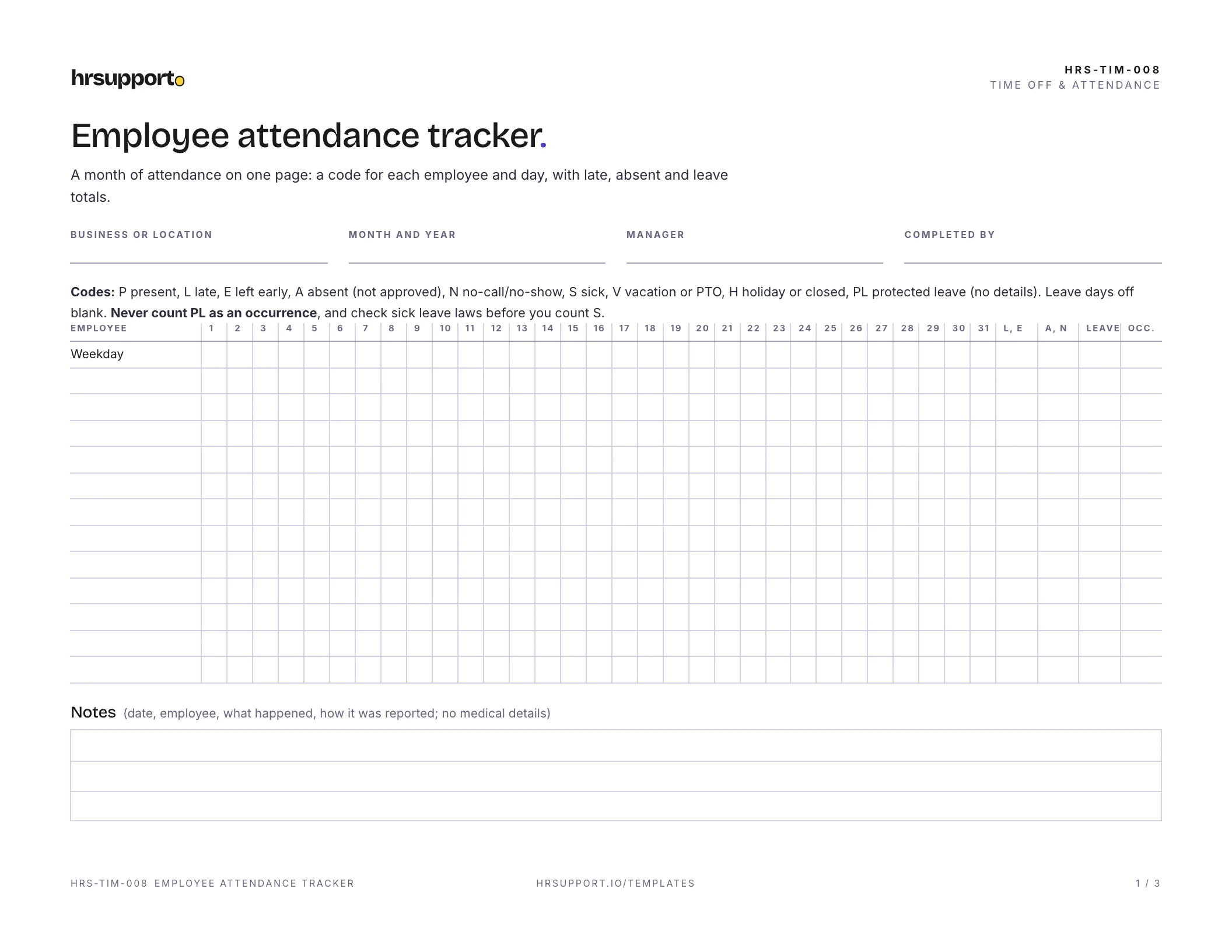 Employee Attendance Tracker TemplateA code per employee per day, colors, monthly totals, occurrences and a year summary.Free
 ExcelPDF
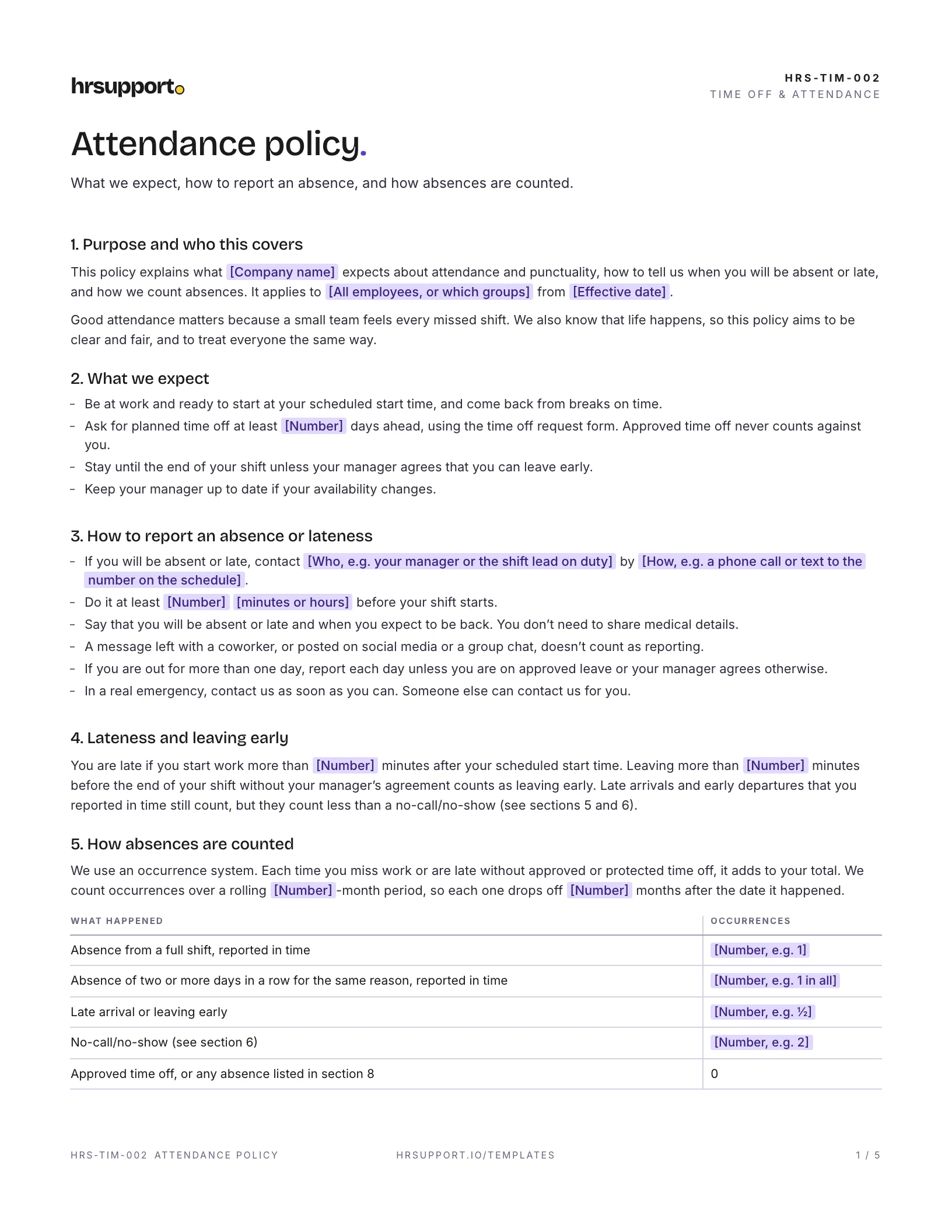 Attendance Policy TemplateCall-in rules, occurrences, no-call/no-show, discipline steps and an absence log.FreeWordPDF
Join the waitlist for early access and early-access pricing. It takes ten seconds.