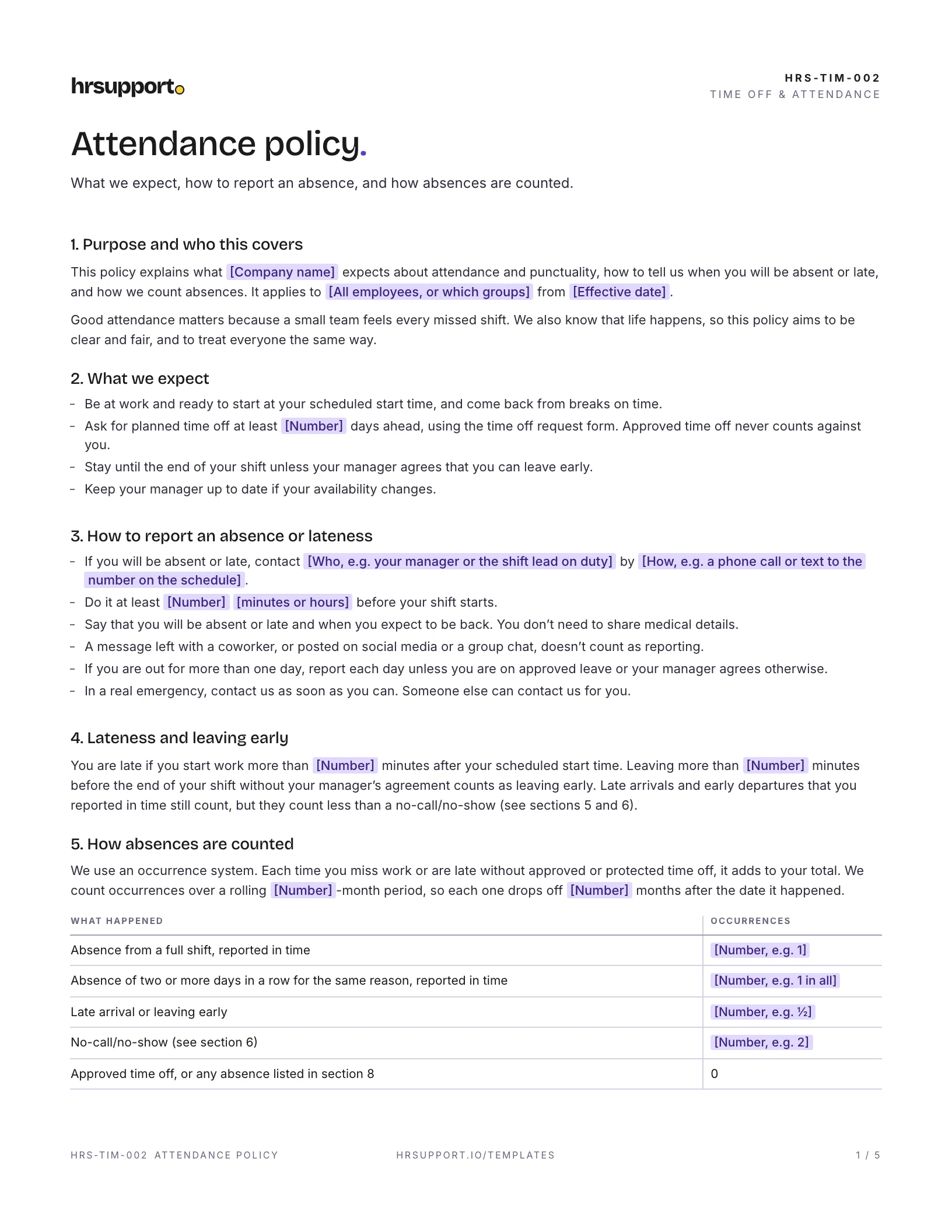
 Attendance Policy TemplateCall-in rules, occurrences, no-call/no-show, discipline steps and an absence log.Free
 Word
 PDF
A monthly attendance sheet in Excel for up to 25 employees, with a code for each day, colors, totals and a year summary. Plus a printable version for the wall or the clipboard.
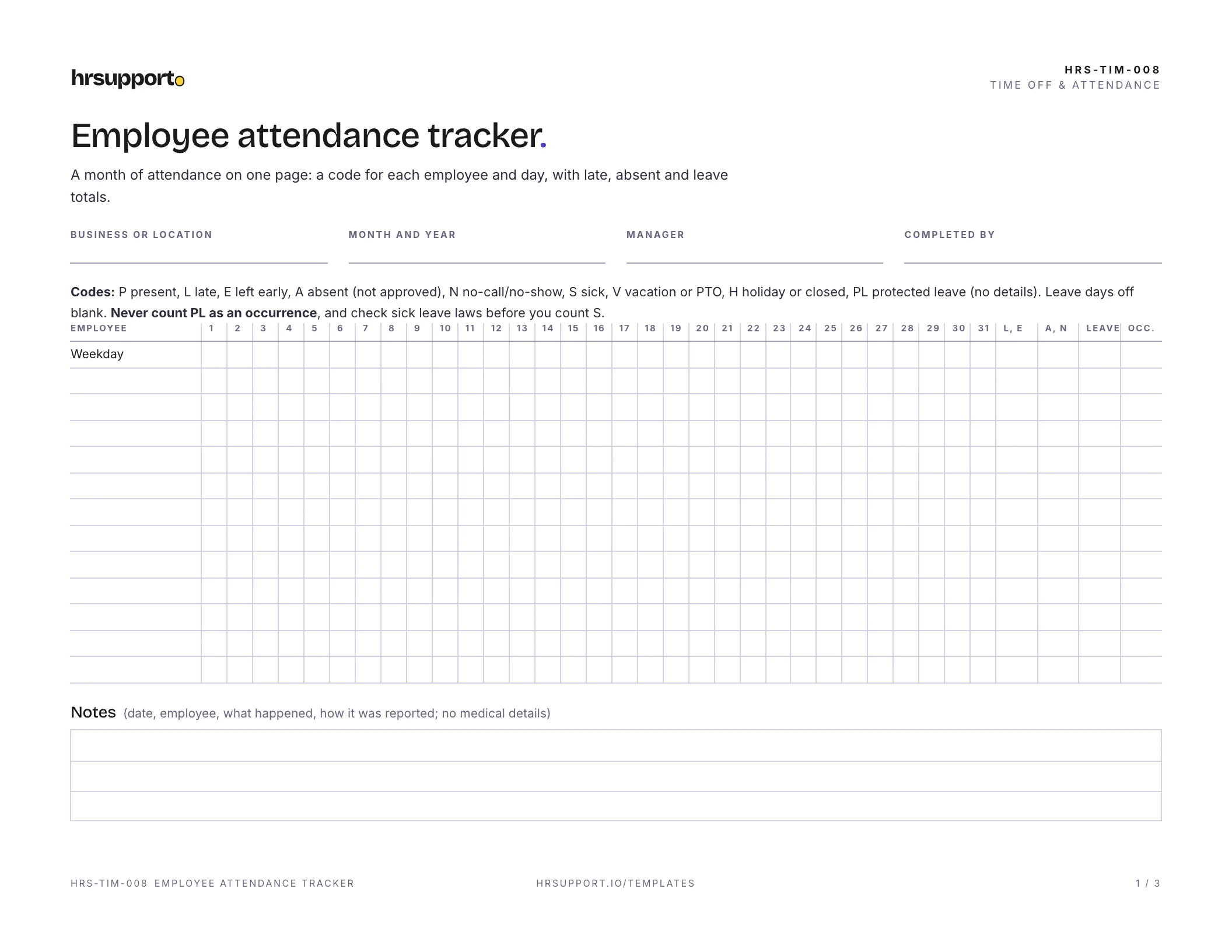
An employee attendance tracker records who came in, who was late and who was out each day, so you can apply your attendance policy fairly and on facts. This free attendance tracker is an Excel workbook with a sheet for every month, plus a printable monthly attendance sheet. Type a code for each employee each day, and the workbook adds up days by code, attendance occurrences and a year summary.
An Excel workbook and a three-page PDF, sized for US Letter landscape:
The example is November 2026 at a fictional print shop with eight employees. The shop is closed at weekends and on Thanksgiving, which every scheduled employee has as H. One press operator is late twice, for one occurrence. An installer leaves early once, misses a day after calling in late, then has a no-call/no-show on November 30, for 3.5 occurrences and a meeting on December 1. Another press operator is on protected leave for a week, coded PL with no details, and counts zero. A part-time bindery worker is only scheduled three days a week, so her other days stay blank.
The codes are P present, L late, E left early, A absent without approval, N no-call/no-show, S sick, V vacation or PTO, H holiday or closed, and PL protected leave. Recording P is optional. Many small businesses record only exceptions, which is faster and works the same way.
The occurrence values are yours to set. The defaults are half an occurrence for a late arrival or early departure, one for an unapproved absence and two for a no-call/no-show, with sick, vacation, holidays and protected leave at zero. If your policy counts several days in a row for the same reason as one occurrence, use the Adjust column and explain it in the notes.
Use both. The Excel attendance tracker does the counting, so nobody adds up codes by hand, and the Year sheet builds itself. The printable attendance sheet suits a crew that clocks in away from a computer: fill it in on a clipboard, then type the codes into Excel at the end of the week. Keep a separate record of hours worked on an employee timesheet, and balances for paid time off in the PTO tracker.
Covered employers can’t count FMLA leave under a no-fault attendance policy or use it as a negative factor in discipline (29 CFR 825.220). The FMLA covers employers with 50 or more employees in 20 or more workweeks (DOL). Under the ADA, employers with 15 or more employees may not penalize someone for using leave as a reasonable accommodation, and a no-fault policy may have to be modified as an accommodation (EEOC).
Some states protect paid sick leave too. For example, Washington bars any policy that counts paid sick leave as an absence that may lead to discipline (RCW 49.46.210), and California bars disciplining employees for using accrued sick days (Labor Code 246.5). Federal law also protects employees serving on federal juries (28 U.S.C. 1875) and members of the uniformed services (38 U.S.C. 4311).
Record facts on the day, apply the same codes to everyone, and keep medical details in a separate confidential file. Under the FMLA, medical certifications must be kept apart from the usual personnel files, and covered employers keep FMLA leave records for at least three years (29 CFR 825.500). For nonexempt employees, the FLSA also requires records of hours worked each day and each workweek, and time cards must be kept for two years and payroll records for three (DOL Fact Sheet #21).
Get advice before you discipline or dismiss someone whose absences may be linked to their health, a disability, pregnancy, a family member’s illness, jury duty or military service, or who has recently asked for leave or complained.
Need a second opinion on an attendance problem? hrsupport.io gives HR answers for your state, with the law behind every answer.
Ready to use it? It’s free, and comes with a filled-in example.
Template questions
Put employees down the side and the days of the month across the top, then type a short code in each cell, such as P for present, L for late or V for vacation. Count each code with COUNTIF and multiply by your occurrence values for a total. This template already does that for every month of the year, with colors, weekends shaded and a year summary.
Keep them short and few, so everyone uses them the same way. This tracker uses P present, L late, E left early, A absent without approval, N no-call/no-show, S sick, V vacation or PTO, H holiday or closed, and PL protected leave. One code for all protected leave keeps medical and legal details off the sheet. You can skip P and record only exceptions.
Don't count FMLA leave under a no-fault attendance policy, leave given as an accommodation under the ADA, jury duty or military service. Some states and cities also protect paid sick leave. Washington, for example, bars counting it as an absence that may lead to discipline. Code these days so they count zero occurrences, and get advice before acting on absences linked to health.
No federal rule names attendance sheets as such. Under the FLSA, keep time cards for at least two years and payroll records for at least three, and covered employers keep FMLA leave records for three years. Keeping attendance trackers for three years, with the time and payroll records, is a simple habit. Check your state's rules before you throw anything away.
No. An attendance tracker records whether someone came in, late or not, and why they were out. A timesheet records the hours worked, which is what federal wage law asks you to keep for nonexempt employees and what you pay from. Most small businesses with hourly staff need both. Use the employee timesheet for hours, and this tracker for patterns.
Yes. Set how many occurrences, or points, each code counts on the Setup sheet, such as half for a late arrival, one for an absence and two for a no-call/no-show. Each month adds them up per employee, and the Year sheet shows occurrences by month, so you can add up a rolling 12 months. Use the Adjust column when several days in a row count as one.
Free HR templates
Attendance Policy TemplateCall-in rules, occurrences, no-call/no-show, discipline steps and an absence log.FreeWordPDF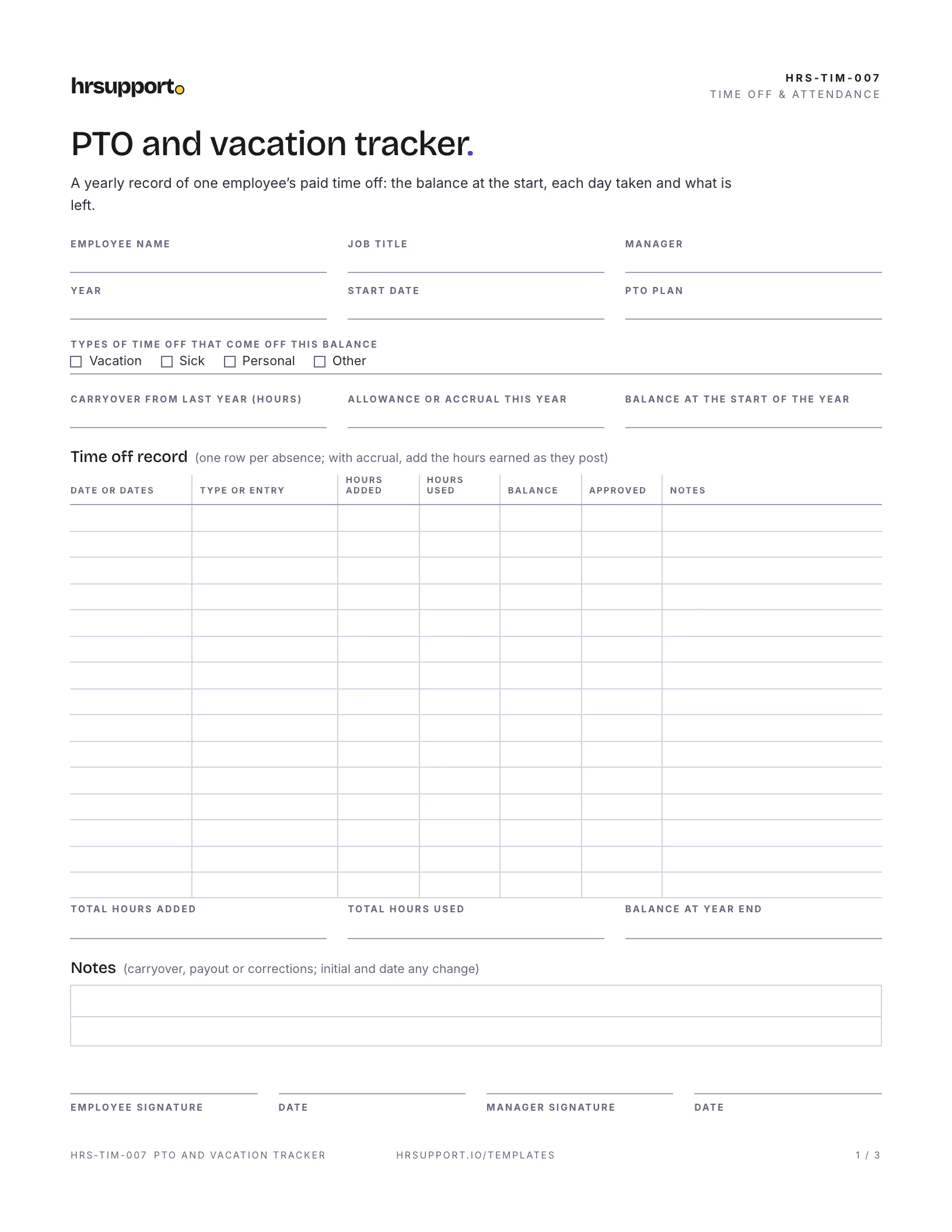 PTO and Vacation Tracker TemplateAllowances or accrual, a time off log, balances by employee and a yearly calendar.Free
 ExcelPDF
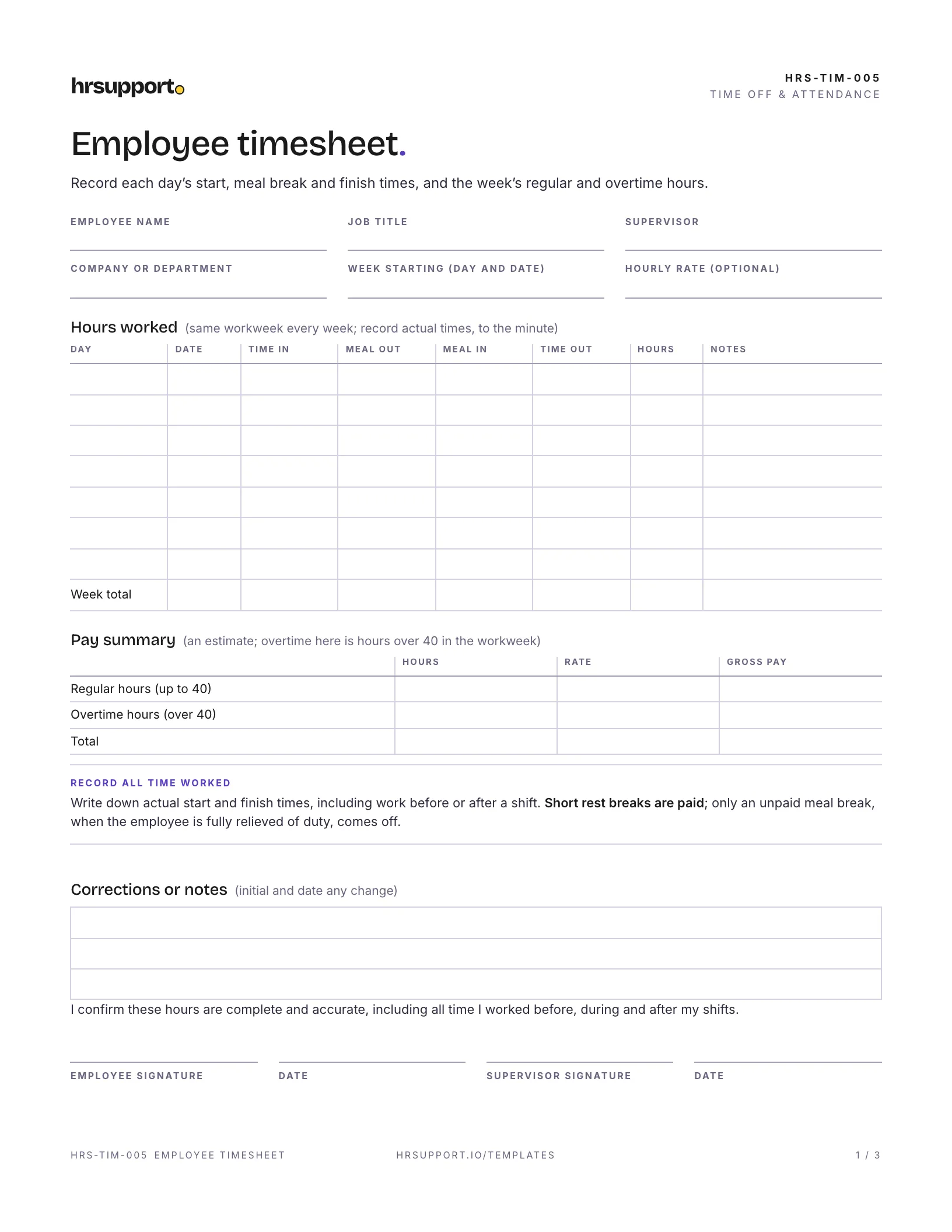 Employee Timesheet TemplateDaily times in and out, regular and overtime hours, and sign-off for one week.FreeExcelPDF
Join the waitlist for early access and early-access pricing. It takes ten seconds.