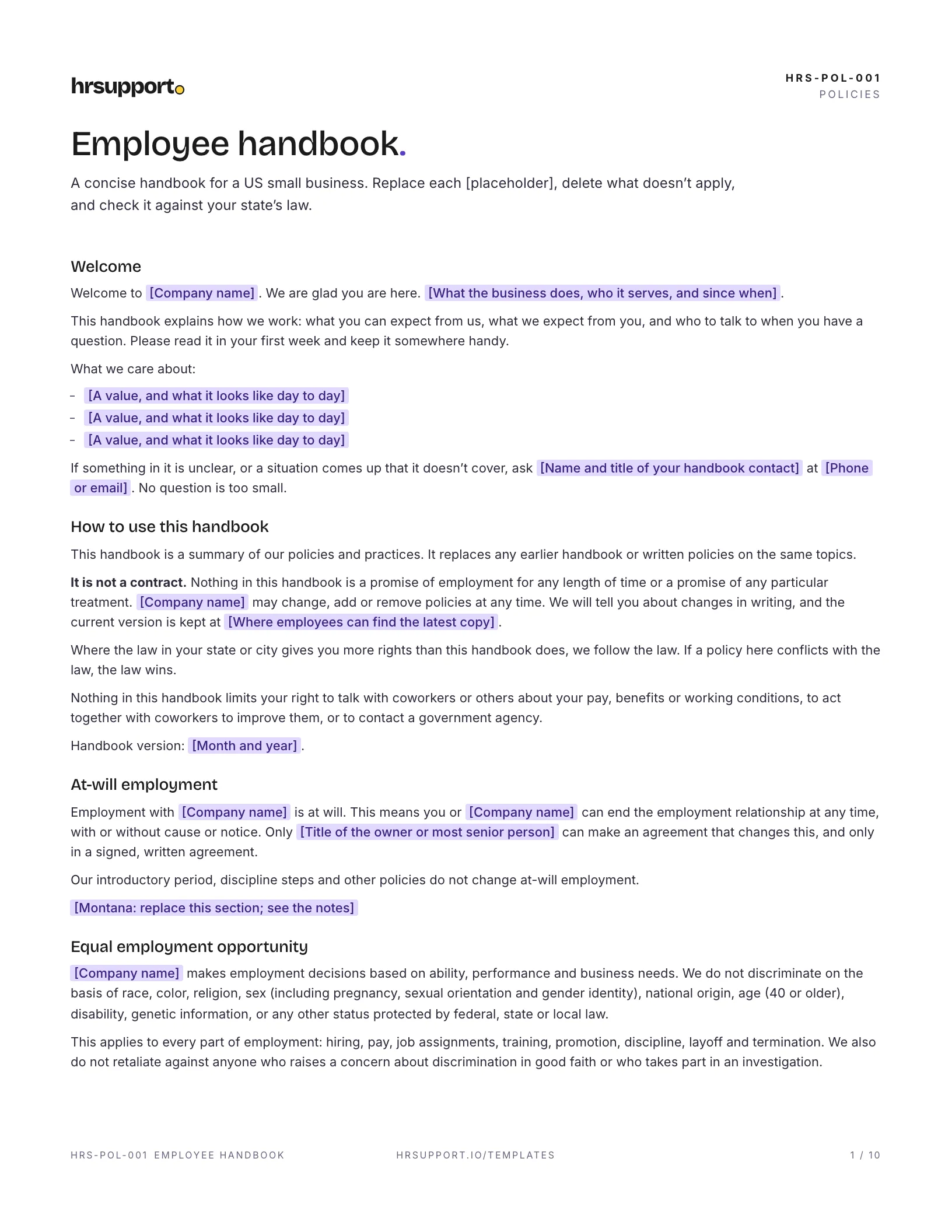
 Employee Handbook TemplateTwenty-nine short policies and an acknowledgment page, ready to fill in.Free
 Word
 PDF
A short, fair cell phone policy for work. Pick how much personal phone use you allow for each role, and cover driving, photos, company phones and work messages after hours.
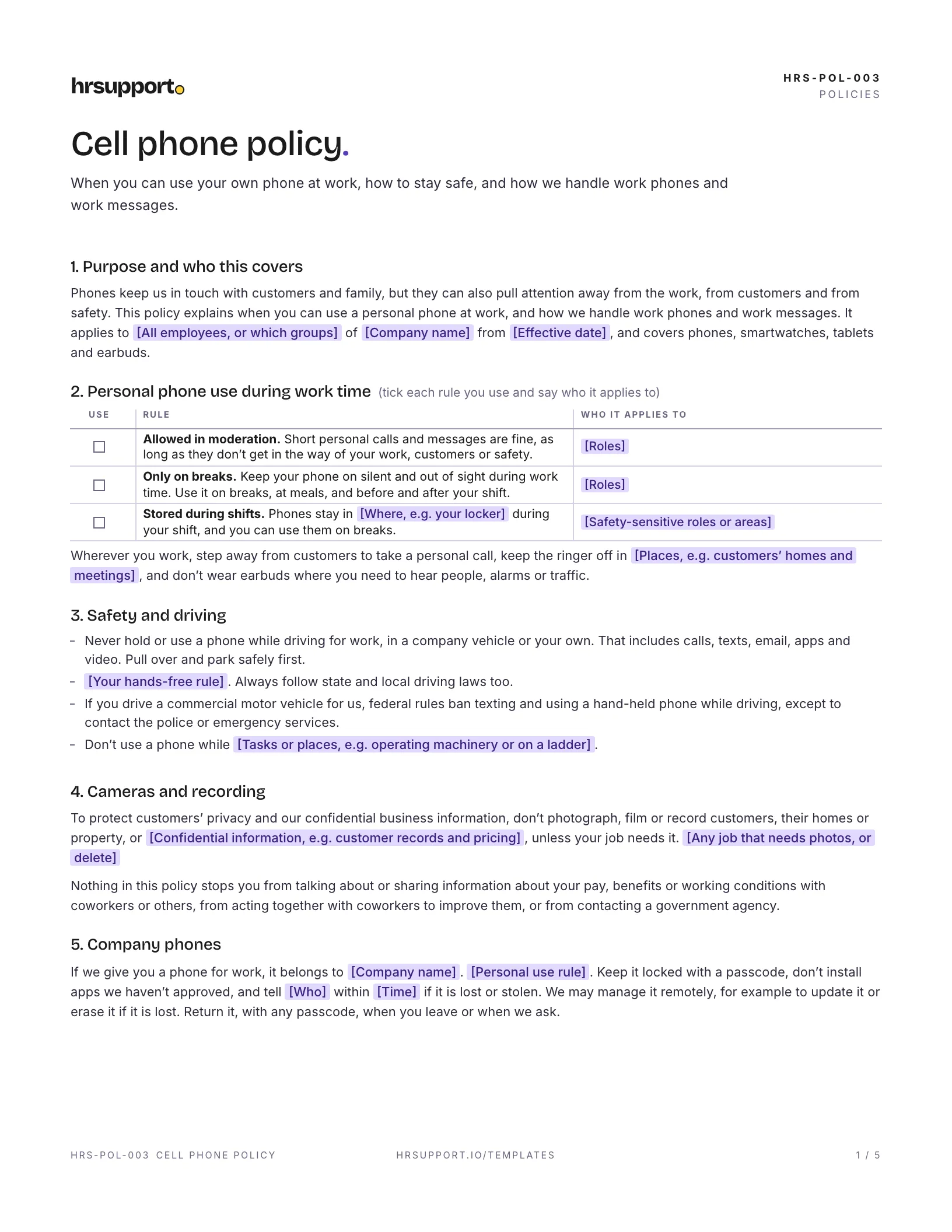
A cell phone policy tells employees when they can use their own phone at work, and keeps phones from getting in the way of customers and safety. This free cell phone policy template is written for US small businesses. You pick how much personal phone use to allow for each role, from moderate use to phones stored during shifts. It then covers driving, photos and recording, company phones, personal phones used for work and work messages after hours. Exceptions for emergencies and medical needs are built in.
A five-page PDF and a Word file you can edit, sized for US Letter paper:
You can use it on its own or as the phone section of your employee handbook.
The example is a fictional heating and air conditioning company in North Carolina. Office and dispatch staff may use phones in moderation. Service technicians on customer jobs keep personal phones away during work time, but use them for the dispatch app and work calls. The company pays technicians $45 a month toward their phone bill and allows short hands-free calls in the vans. A technician asks whether the allowance covers him if he only uses the dispatch app. The owner answers yes on the form before both sign.
A strict “no cell phone at work” rule usually means phones are stored in a locker or a set place during shifts and used on breaks. It makes most sense where a moment’s distraction is dangerous, such as on a production line, on ladders and roofs, or around heavy equipment. Elsewhere, “only on breaks” is often enough. Whichever you pick, give family a way to reach employees in an emergency, and allow exceptions for medical needs.
If you hand out company phones, say they belong to the business, require a passcode and ask for them back when people leave. If you ask employees to use their own phones instead, say what for and how you’ll repay them. Some states require employers to cover necessary work expenses. For example, California requires it under Labor Code 2802.
Under federal wage rules, work you allow is work time, even when you didn’t ask for it and even when it’s done at home (29 CFR 785.11 and 785.12). A rule against it isn’t enough on its own; management has to enforce it (29 CFR 785.13). So if an hourly employee answers work texts in the evening, pay for the time. Make sure they record it on their timesheet.
Federal rules ban texting and hand-held phone use by drivers of commercial motor vehicles, except to contact emergency services (49 CFR 392.80 and 392.82). The template applies a no hand-held rule to all driving for work.
On photos and recording, the National Labor Relations Act protects employees’ right to talk with coworkers and others about pay and working conditions, and to act together about them (NLRB). The template keeps its photo rule to customers and confidential information, and says so plainly. If someone keeps breaking the policy, record it on an employee write-up form.
Get advice before you discipline someone whose phone use may be linked to a disability, pregnancy or a medical condition. Do the same if the photos or messages were about pay, safety or working conditions, or if you want to monitor personal phones.
Not sure what your state requires? hrsupport.io gives HR answers for your state, with the law behind every answer.
Ready to use it? It’s free, and comes with a filled-in example.
Template questions
Generally, you can limit personal phone use during work time, and many businesses with safety-sensitive work ask employees to store phones during shifts. Make exceptions where the law calls for them, such as an employee who needs a phone for a disability or pregnancy-related reason. Don't stop employees from talking about pay and working conditions, and apply the rule the same way to everyone in a role.
Yes, if you know or have reason to believe they are doing it. Under federal wage rules, work you allow is work time, even if you didn't ask for it and even if it is done at home. A rule against after-hours work isn't enough on its own; you have to enforce it or pay for the time. The template asks employees to record it on their timesheet.
It depends on your state. Some states require employers to repay necessary work expenses. For example, California Labor Code 2802 requires employers to indemnify employees for necessary expenditures from doing their job. If you ask employees to use their own phones for work, a set monthly amount is a simple way to handle it.
You can protect customers' privacy and confidential business information, but be careful with blanket bans. The National Labor Relations Act protects employees' right to talk with coworkers and others about pay, benefits and working conditions, and to act together about them. The template limits photos of customers, their property and confidential records, and states those rights plainly.
For drivers of commercial motor vehicles, yes. Federal rules ban texting and using a hand-held phone while driving, except to contact the police or emergency services, and bar motor carriers from allowing or requiring it. For other employees, state and local driving laws apply. This template bans holding or using a phone while driving for work, whatever the vehicle.
Talk privately first and remind them of the rule that applies to their job. If it keeps happening, follow your normal disciplinary steps and record each one, for example on a write-up form. A serious safety breach, such as using a hand-held phone while driving, can move straight to a written warning. Check first that the employee wasn't using the phone for an agreed exception.
Free HR templates
Employee Handbook TemplateTwenty-nine short policies and an acknowledgment page, ready to fill in.FreeWordPDF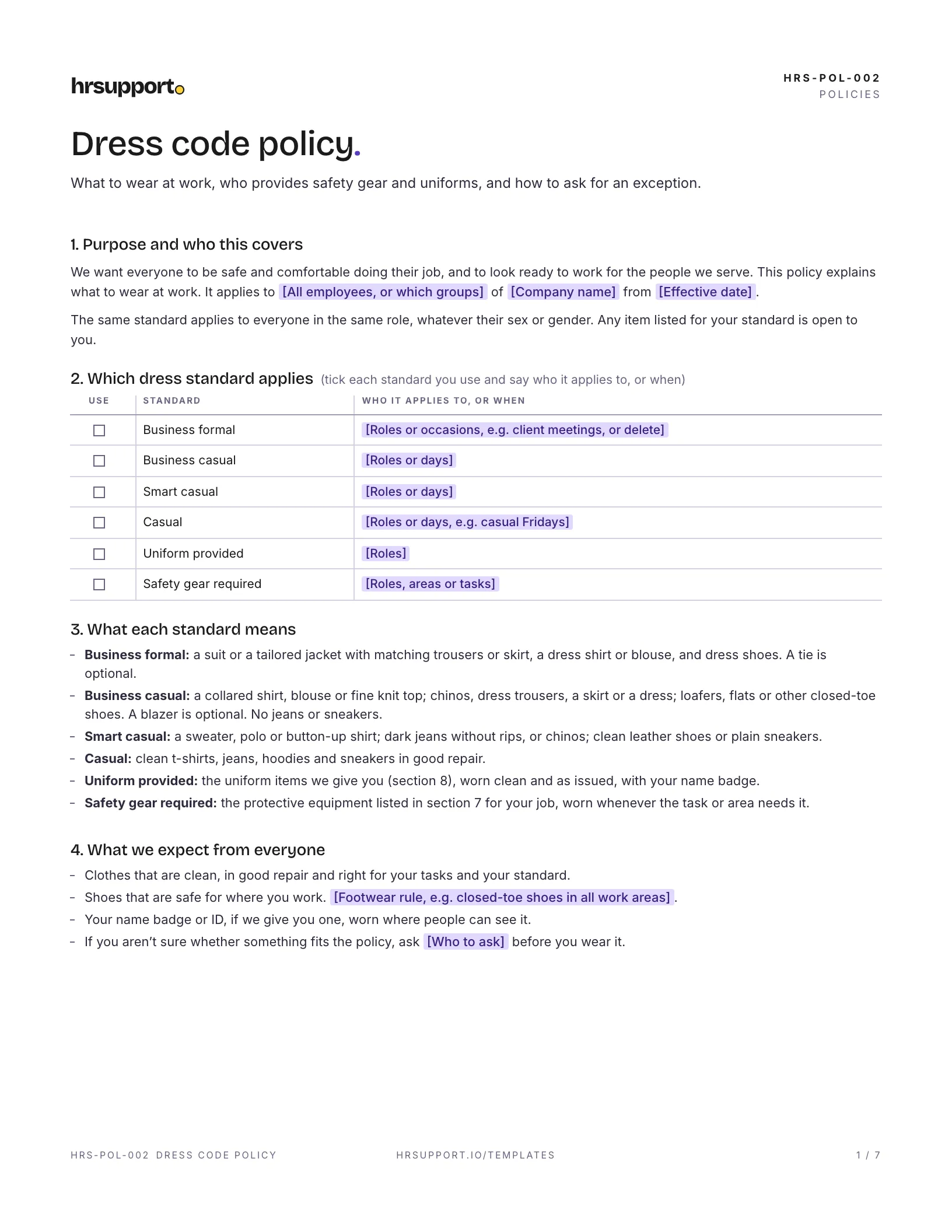 Dress Code Policy TemplateDress standards by role or day, PPE and uniforms, exceptions and an acknowledgment.FreeWordPDF
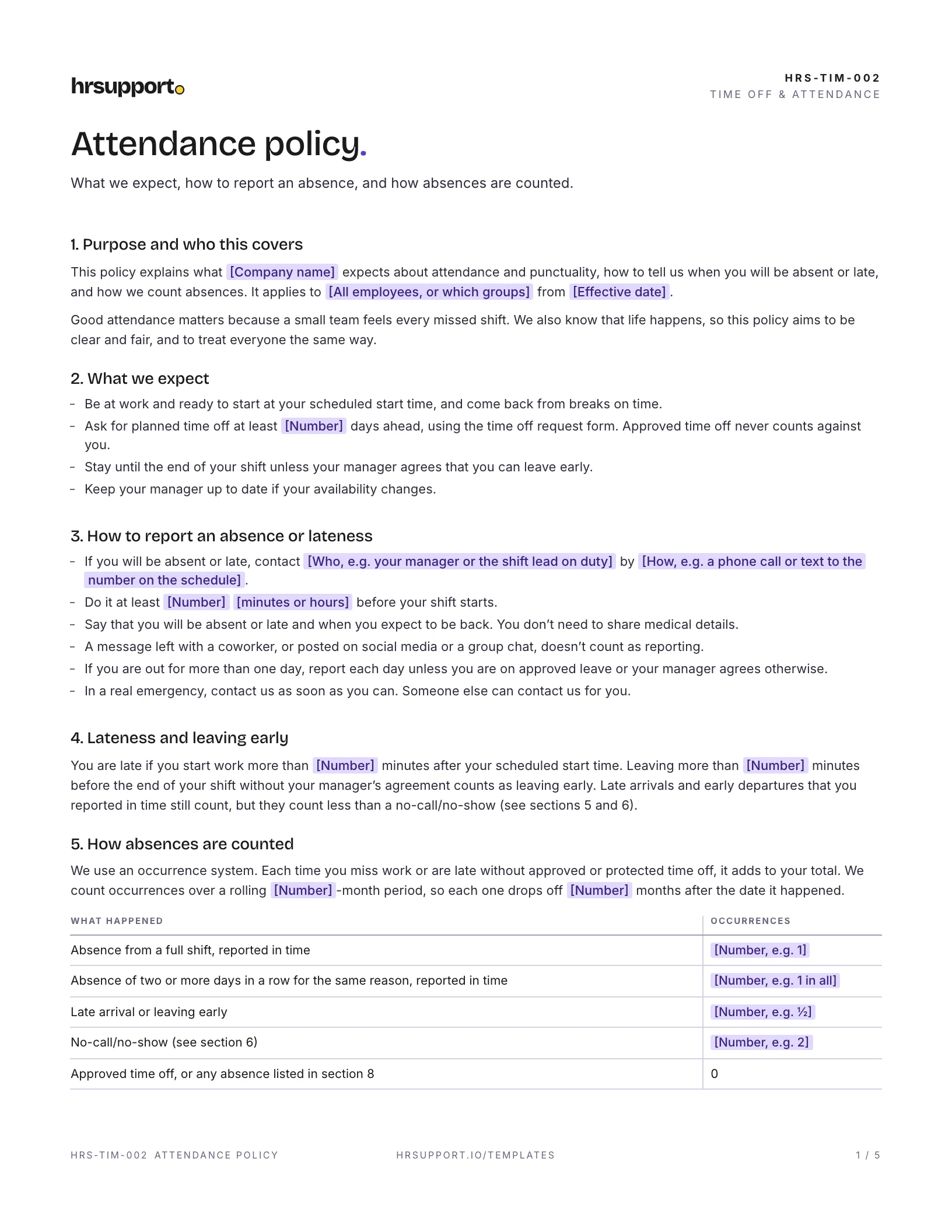 Attendance Policy TemplateCall-in rules, occurrences, no-call/no-show, discipline steps and an absence log.FreeWordPDF
Join the waitlist for early access and early-access pricing. It takes ten seconds.